Use case
Anniversary and memorial tribute videos from family photos
A tribute made this way is a sequence of real photos, each given a few seconds of quiet motion: 3 credits a photo on Hailuo 2.3, with a then-and-now transition between two real photos for 8 on Kling 3.0 Standard and a music track composed for up to 60 seconds of video for 9. Twelve photos, two transitions and the music come to about 61 credits. Keep the motion small and never put words in the mouth of someone who can no longer agree to them.
From 3 credits a clip. Credits never expire, and failed generations are refunded automatically.

The workflow, step by step
Every step names the Viralance tool it runs on.
- 1
Gather and scan the photos
Scan prints flat at a high resolution and crop out album borders and glare. The model animates what it sees, so a sharp, well-exposed scan matters more than any setting. Viralance does not repair tears or scratches, so fix damaged prints first. For a black-and-white photo, the Old Photo Revive template adds soft colour and motion in one step; check the colours against what you remember, because the model guesses them.
- 2
Give each photo one quiet motion
Open image-to-video on Hailuo 2.3 and ask for a slow push-in, hair moving in a light breeze, or a soft smile, with the faces kept as they are. 3 credits per 6-second clip; you will use 3–4 seconds of each.
- 3
Join two eras with a start and an end frame
Choose a model marked Start + end frame, such as Kling 3.0 Standard, upload the wedding photo as the start frame and a recent photo of the same couple as the end frame. The clip moves from one real photo to the other for the image-to-video price (8 credits). Hailuo 2.3 has no end-frame input.
- 4
Assemble the sequence in an editor
Download the clips and order them in CapCut, iMovie or the editor you know. Viralance makes one clip per generation and has no timeline. Add names and dates as editor text.
- 5
Score it to the length
Upload the finished video to Audio Suite and use Score: describe the mood (“warm, slow piano”) and it composes music for videos up to 60 seconds (9 credits for a full minute). For a longer tribute, use a song you have the rights to.
Models that suit this job
Credits per clip from the live price list. Dollar figures use the $9 Mini pack and the $299 Business pack.
| Model | Setting | Credits | Mini / Business | Why this one | Try |
|---|---|---|---|---|---|
| Hailuo 2.3 | Photo · 6s · 720p | 3 | $0.90 / $0.54 | Most forgiving with real photos in our data: it finished all 22 of its photo jobs. No sound track, which suits a tribute set to music. | Try it |
| Kling 3.0 Standard | Photo · 5s · 1080p | 8 | $2.40 / $1.45 | Takes an end frame for then-and-now transitions; finished 17 of 19 photo jobs in our data. | Try it |
| VEO 3.1 Lite | Photo · 4s · 720p | 3 | $0.90 / $0.54 | Short, cheap transitions with an end frame. Turn Sound off so no invented voices or ambience appear. | Try it |
Hailuo 2.3
3 creditsPhoto · 6s · 720p · $0.90 / $0.54
Most forgiving with real photos in our data: it finished all 22 of its photo jobs. No sound track, which suits a tribute set to music.
Try Hailuo 2.3Kling 3.0 Standard
8 creditsPhoto · 5s · 1080p · $2.40 / $1.45
Takes an end frame for then-and-now transitions; finished 17 of 19 photo jobs in our data.
Try Kling 3.0 StandardVEO 3.1 Lite
3 creditsPhoto · 4s · 720p · $0.90 / $0.54
Short, cheap transitions with an end frame. Turn Sound off so no invented voices or ambience appear.
Try VEO 3.1 Lite
A one-minute anniversary tribute: twelve photos on Hailuo 2.3 (36 credits), two then-and-now transitions on Kling 3.0 Standard (16) and a 60-second score (9): 61 credits, about $18.30 on the entry pack. A transition on VEO 3.1 Lite is 3 credits instead of 8. Some photos will drift or be refused, so leave room for a few retries.
One-click templates for this
Upload one photo, no prompt needed. The price is the full cost with default settings.
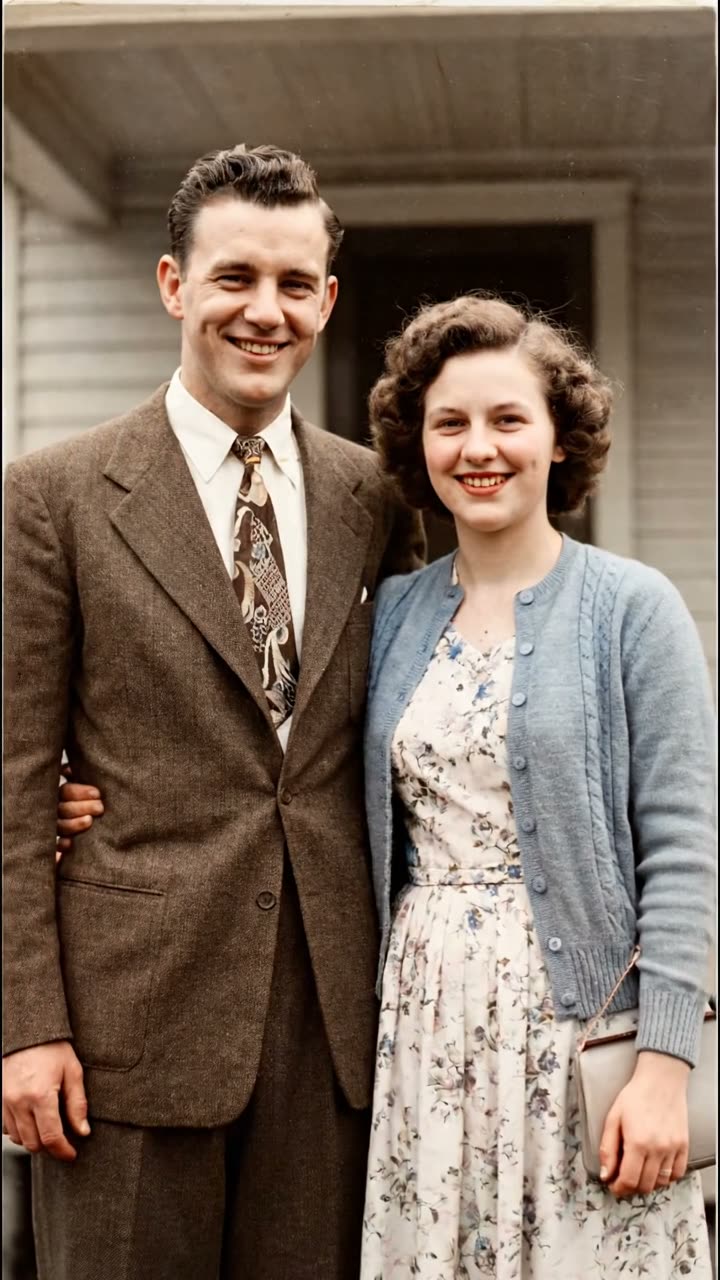

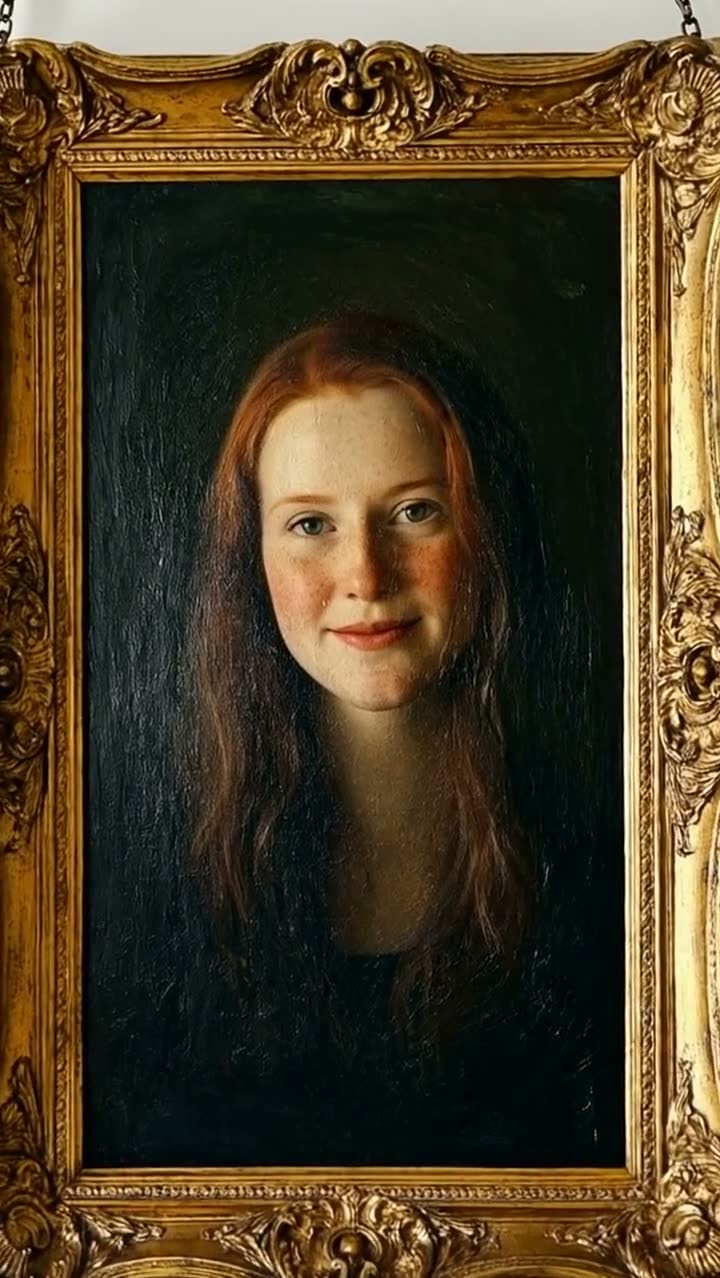


Consent and dignity come first
Animate photos of people who agreed to it, or, for someone who has died, with the agreement of the people closest to them. Viralance asks you to confirm consent before animating a real person on several models, and blocks public figures entirely.
Do not make a deceased person speak. Lip sync and talking-photo tools can do it technically, but a voice and words they never said are a fabrication, and many families find it upsetting. A slow breath of motion, light moving across the frame, a head turning toward the camera: that is enough.
Why some photos get refused
Model makers filter photos of real people. Seedance rejects photographic faces in input images regardless of whose face it is, and MiniMax H3 refused a share of photo jobs in our data. A photo where a child is the clear subject is more likely to be refused. If a photo is refused, the credits come back automatically; try it on Hailuo 2.3 or Kling 3.0 Standard, or choose another photo. Why AI video prompts get rejected explains each reason.
Motion that suits a tribute
Small movements read as memory; big ones read as special effects. A few that work well:
- A slow push-in toward the faces, everything else still.
- Curtains, leaves or hair moving slightly in a breeze.
- Candlelight or sunlight shifting softly across the scene.
- Then and now: a start frame and an end frame of the same people decades apart.
Prompts to start from
Copy one, or open it in the studio with the model already selected.
Very slow push-in toward the couple. They stay as they are in the photo, with a slight natural smile and a gentle breath. Faces, clothes and background unchanged. No speaking, no new people.
Default for portraits.
Use this promptSoft afternoon light moves slowly across the room, the curtain stirs in a light breeze. The people in the photo stay still and unchanged. Calm, nostalgic, no camera shake.
For a group photo where faces should not move at all.
Use this promptA slow, smooth transition from the first photo to the last: the same two people, decades apart, the camera drifting gently forward. No speaking, no added people, faces kept true to both photos.
Needs a start and an end frame.
Use this promptQuestions about this
Can AI animate old family photos?
Yes. Upload a scanned photo in image-to-video mode and ask for a small motion such as a slow push-in or a gentle smile. On Hailuo 2.3 a 6-second clip costs 3 credits. Sharp, well-lit scans work best, and some photos of real people are refused by the model maker, in which case the credits are refunded.
Is it okay to animate a photo of someone who has died?
Many families find gentle motion comforting, but agree on it with the people closest to the person first. Keep the motion subtle and avoid making them speak; words they never said are a fabrication.
Can I make a then-and-now video of a couple?
Yes. Pick a model marked Start + end frame, upload the old photo as the start frame and a recent one as the end frame, and the clip moves from one to the other. It costs the same as normal image-to-video on that model.
Can Viralance add music to the tribute?
Audio Suite’s Score tool composes music for a finished video of up to 60 seconds from a mood you describe. For a longer tribute, add a licensed song in your video editor.
Does Viralance put the slideshow together?
No. It makes one clip per photo. You arrange the clips, add names and dates, and export in a video editor such as CapCut or iMovie.