Kling 3.0 by Kuaishou
Kling 3.0 AI video generator: Kling 3.0 Standard and Pro, 1080p with sound
Kling 3.0 is Kuaishou’s 1080p video model with native audio. Viralance runs both tiers, Kling 3.0 Standard from 8 credits and Kling 3.0 Pro from 10, for clips of 5 / 10 / 15s from a prompt or a photo. You pay per clip from one-time packs; nothing renews.
Opens the studio with Kling 3.0 Standard selected; the cost shows before you generate. Viralance is an independent platform, not affiliated with Kuaishou.
What Kling 3.0 does
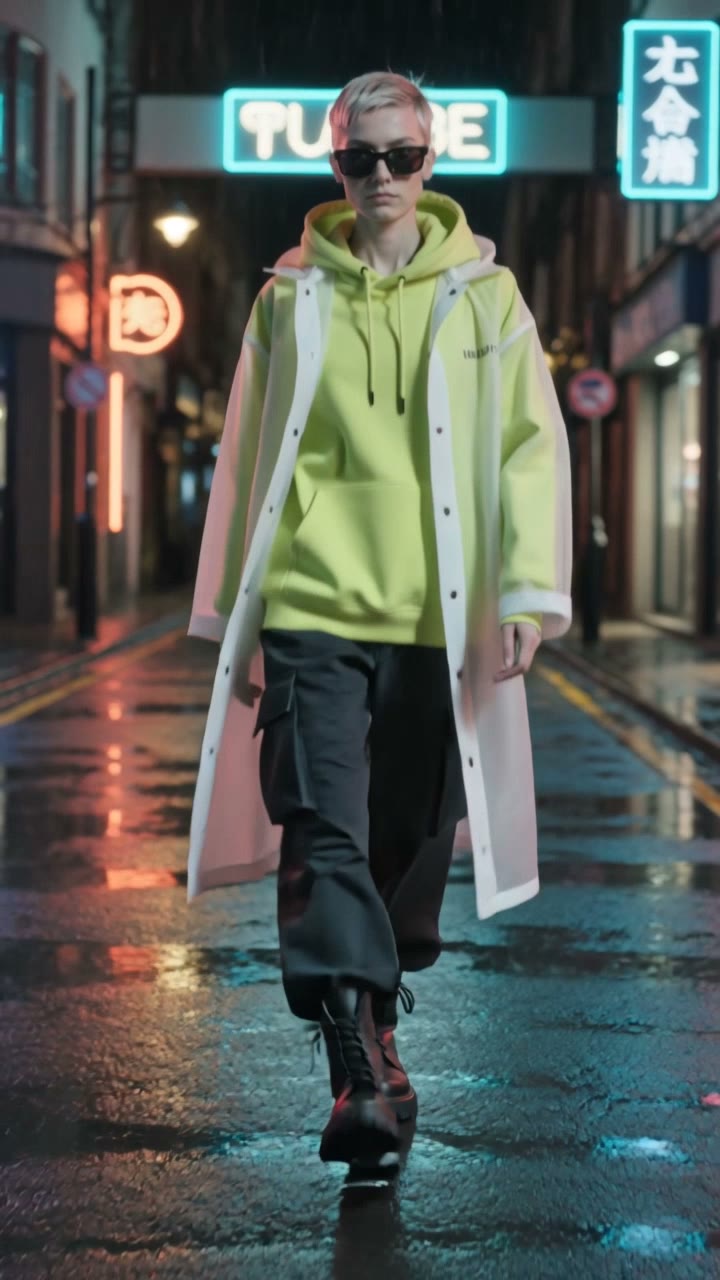
Kling 3.0 renders a 1080p clip with its own soundtrack (dialogue, effects and ambience) from a text prompt or from a photo used as the first frame. On Viralance both tiers produce 5 / 10 / 15s clips; Kling 3.0 Pro also has a Reference mode that takes several images of the same person or product.
Standard and Pro share the same lengths, resolution and audio; Pro spends more compute per frame for finer texture and steadier faces. In real use on Viralance, Kling 3.0 Pro completed 100% of 28 generations and Kling 3.0 Standard 92% of 26, with median waits of 4.5 min and 2.7 min.
It is the Kling version most people pick for ads and short scenes: long enough for a full beat (up to 15 seconds), sharp enough for a 1080p export, and priced per second below Kling 4.0.
Lengths, resolutions and credits per clip
From the live catalog. The Generate button shows the exact cost before every run.
Kling 3.0 Standard
8–22 credits- Input
- Text, Image
- Length
- 5 / 10 / 15s
- Resolution
- 1080p
- Audio
- Yes
- In dollars
- $2.40–$6.60 on Mini
- Success / wait
- 92% of 26 runs · median 2.7 min
Kling 3.0 Pro
10–28 credits- Input
- Text, Image, Reference
- Length
- 5 / 10 / 15s
- Resolution
- 1080p
- Audio
- Yes
- In dollars
- $3.00–$8.40 on Mini
- Success / wait
- 100% of 28 runs · median 4.5 min
A credit costs $0.30 on the $9 Mini pack and $0.18 on the $299 Business pack. Credits never expire. See pricing, or compare the price per clip with every other model in the pricing dataset.
Clips made with Kling 3.0
Generated on Viralance with the model named on each clip. Prompts are shown where we have them.

Kling 3.0 Pro 
Kling 3.0 Pro: Luxury Car Ad “A sleek sports car speeding along a coastal road at sunset, motion blur, glossy paint reflections catching the golden light, dynamic tracking shot, dramatic cinematic color grade, photoreal, vertical 9:16.”
Watch and remix
Kling 3.0 Pro: Cinematic Drone Reveal “Cinematic aerial drone shot soaring over misty mountain peaks at sunrise, volumetric god rays, epic scale, golden hour glow, sweeping smooth motion, subtle film grain, ultra realistic, vertical 9:16.”
Watch and remix
Kling 3.0 Pro: 3D Cartoon Character “A cute fluffy big-eyed 3D animated creature waving and smiling in a cozy magical forest, Pixar-style render, soft warm lighting, charming and playful, high quality, vertical 9:16.”
Watch and remix
Kling 3.0 Pro: Sci-Fi VFX “A sleek spaceship descending through glowing clouds toward a futuristic neon city at dusk, cinematic volumetric lighting, particle effects, epic scale, photoreal VFX, vertical 9:16.”
Watch and remix
Kling 3.0 Pro: Travel Reel “Cinematic aerial shot of Santorini white buildings and blue domes at sunset, sweeping camera motion, warm golden light, ocean in the background, dreamy travel vibe, ultra realistic, vertical 9:16.”
Watch and remix
Kling 3.0 Pro: Real Estate Tour “A smooth gliding camera shot moving through a modern luxury living room interior, warm sunlight through large windows, elegant furniture, architectural, cinematic real estate, photoreal, vertical 9:16.”
Watch and remix
Kling 3.0 vs Kling 2.6 Pro
Kling 2.6 Pro is the version before 3.0 that Viralance still runs. The jump is mostly in input and length.
| Aspect | Kling 2.6 Pro | Kling 3.0 |
|---|---|---|
| Input | Photo only (image-to-video) | Text or photo; Reference mode on Kling 3.0 Pro |
| Lengths | 5 / 10s | 5 / 10 / 15s |
| Resolution | Model default | 1080p |
| Native audio | Yes | Yes |
| Credits per clip | 6–12 | Standard 8–22, Pro 10–28 |
Kling 2.6 Pro is still the cheaper way to animate a photo for 5 seconds (6 credits against 8 on Kling 3.0 Standard). For takes longer than 15 seconds, Kling 4.0 goes to 30.
Prompt tips for Kling 3.0
Name the camera move
Kling 3.0 follows explicit camera language well: "slow dolly-in", "orbit left around her", "crane up to reveal". One move per clip reads cleaner than three.
Write the 15-second clip as beats
For the longest length, describe what happens in order ("first she opens the box, then looks up and smiles, then the camera pulls back"). Without beats the model tends to stretch one action over the whole take.
Describe the sound you want
Audio is generated from the prompt, so say it: "rain on the window, a kettle starting to whistle". For a spoken line, put the words in quotes.
Draft on Standard, finish on Pro
Same prompt, same length: test on Kling 3.0 Standard (8 credits for 5 seconds), then re-render the version you like on Kling 3.0 Pro (10) if faces or fine texture need it.
Kling 3.0 prompts to try
Copy one, or open it in the studio with the model already selected.
Slow dolly-in on a skincare bottle on wet black stone, a single water drop runs down the label, soft rim light, quiet drip sounds
A product shot with one camera move and matching sound.
Use this promptFirst a cyclist rides through a foggy forest road at dawn, then stops, takes off her helmet and says "Best part of the day", then the camera rises above the trees, birds and wind
Three beats and a spoken line in one 15-second take.
Use this promptThe person in the photo turns to the camera, laughs and pushes their hair back, natural window light, handheld feel
Image-to-video: upload a portrait first.
Use this promptHow to make a Kling 3.0 video
- 01
Open the studio with Kling 3.0
The link opens the create page with Kling 3.0 Standard selected. Switch to Kling 3.0 Pro in the model picker if you need it.
- 02
Choose length and input
Pick 5 / 10 / 15s, then type a prompt or upload a photo for the first frame. The credit cost updates on the Generate button.
- 03
Generate and download
Most Kling 3.0 clips finish in a few minutes. Download the 1080p MP4 or add captions and a voiceover. If a generation fails or the model refuses the prompt, its credits are refunded automatically.
Kling 3.0 questions
How much does Kling 3.0 cost per video?
Kling 3.0 Standard: 8, 14 or 22 credits for 5, 10 or 15 seconds. Kling 3.0 Pro: 10, 18 or 28. Text and photo input cost the same. A 10-second Standard clip is about $4.20 on the Mini pack ($9) or $2.54 on the Business pack.
Kling 3.0 Standard or Pro: which should I use?
Standard for most social clips and drafts; Pro when a face or product fills the frame and fine detail matters, or when you want Reference mode. Both are 1080p with audio and the same lengths, and Pro costs 4 credits more for 10 seconds.
Can Kling 3.0 animate a photo?
Yes. Both tiers take a photo as the first frame, for the same credits as text. Kling 3.0 Pro also accepts several reference images to keep one person or product consistent across clips.
Is Kling 3.0 better than Kling 2.6?
For most uses, yes: it adds text-to-video, 15-second clips and a fixed 1080p output. Kling 2.6 Pro only animates photos, up to 10 seconds, and is cheaper for a 5-second clip, so it still makes sense for quick photo animations.
Do I need a Kling membership?
No. Viralance is an independent platform that runs Kling 3.0 through fal.ai’s hosted model endpoints and bills per clip in credits. It is not affiliated with or endorsed by Kuaishou. Credits never expire.
Can I use Kling 3.0 clips commercially?
Yes. Clips you generate are yours to use commercially. Clips made before your first purchase carry a small Viralance watermark, which any credit pack removes from past and future clips.