Turn Video Into Anime: AI Video to Anime Converter
Upload a clip, ask for an anime look, and Lucy Restyle redraws every frame as animation while your motion, camera moves and timing stay the same. Sources up to 30 minutes, 10 credits per started minute.
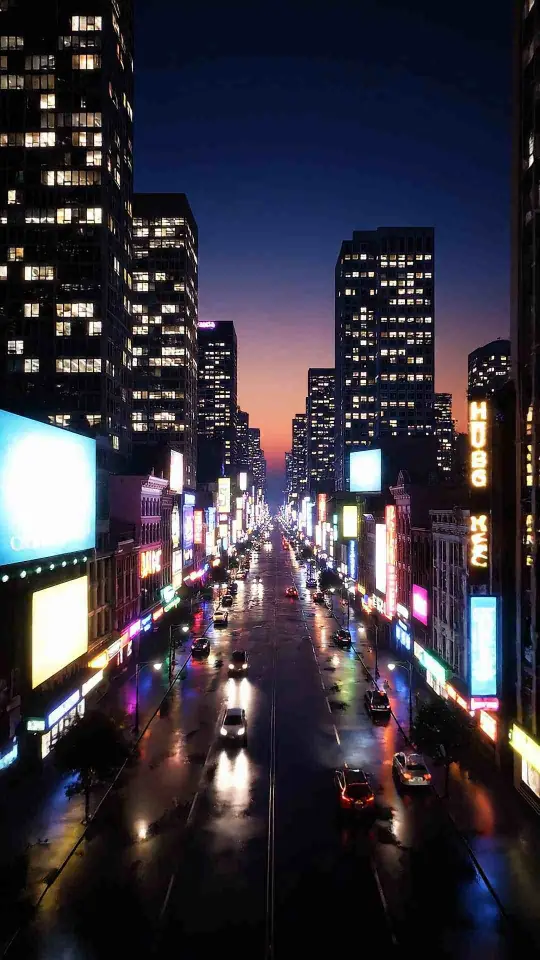
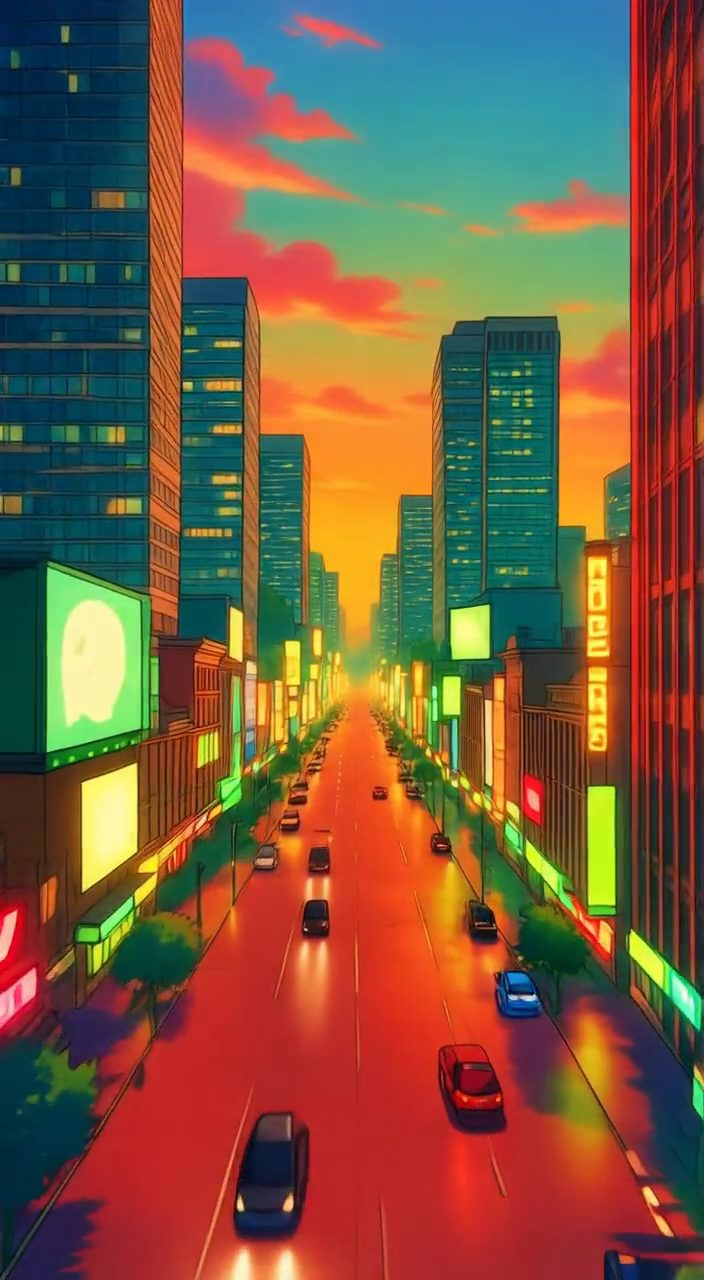
How Video to Anime works
- 01
Upload your clip
Open Restyle in the video editor and drop in an MP4 or MOV, or pick a video from your library. Uploads can be up to 500 MB and sources up to 30 minutes long.
- 02
Describe the anime look
Write the style in plain words, for example “hand-drawn anime, soft pastel palette, same framing” or “90s cel-shaded anime, bold outlines”. Name the look, not a specific studio or show.
- 03
Set the style strength
Lower strength keeps more of the original footage; higher strength follows your anime prompt more closely. The credit cost is shown from the measured length before anything runs.
- 04
Download the anime version
Lucy Restyle redraws the clip frame by frame and keeps the source motion. Your original soundtrack is put back on the finished anime version, so it is ready to post.
Why creators use it
- Redraws real footage or generated clips as anime while the movement, camera path and pacing stay as they were
- Runs on Lucy Restyle, a video-to-video model, so the whole clip is converted rather than a single frame
- Takes sources up to 30 minutes and uploads up to 500 MB, so a full vlog or long-form piece fits in one job
- Priced at 10 credits per started minute, and the exact cost is shown before you start
- A style strength slider lets you choose between a light anime grade and a full redraw
- One-time credit packages with no subscription, and a job that fails is refunded automatically
Use cases
- Turn a travel clip, vlog or dance video into an anime version for TikTok, Reels and Shorts
- Post the real clip and the anime version side by side as a before-and-after
- Give a whole series the same anime look so a channel has one recognizable style
- Turn a generated AI video into anime without generating it again from scratch
Frequently asked questions
How do I turn a video into anime with AI?
Upload the clip to Restyle in Viralance's video editor, describe the anime look you want, and Lucy Restyle redraws the footage in that style while keeping the original motion. It costs 10 credits per started minute of source video.
How much does it cost to convert a video to anime?
10 credits per started minute of source video, with a minimum of 10. A 20-second clip is 10 credits and a 3-minute clip is 30. Credits come from one-time packs with no subscription.
What resolution is the anime video?
Output is up to 720p. Sources larger than 720p are converted to 720p before restyling: that works for clips up to about 5 minutes at 1080p (shorter for 4K). Longer clips should be exported at 720p first.
How long can the video be?
Sources can be up to 30 minutes long and uploads up to 500 MB. For a long clip, try a short section first to check the look, since each started minute is billed.
Does the anime version keep the sound?
Yes. Lucy Restyle only redraws the picture, and Viralance puts the original soundtrack back on the finished video at the same length.
Can I turn a video of myself into anime?
Yes, for footage of yourself or people you have the right to use. Prompts that name a public figure are refused.