Link to Ad: Paste a Product URL, Get a Ready-to-Post Video Ad
Drop your product page link and Viralance's AI reads the real product — name, description, hero image — checks current trends, shows you the ad plan and exact credit cost, then generates a scroll-stopping vertical video ad ready for TikTok, Reels, and Shorts.
Product ads from the studio
Recorded UGC-style ad examples.
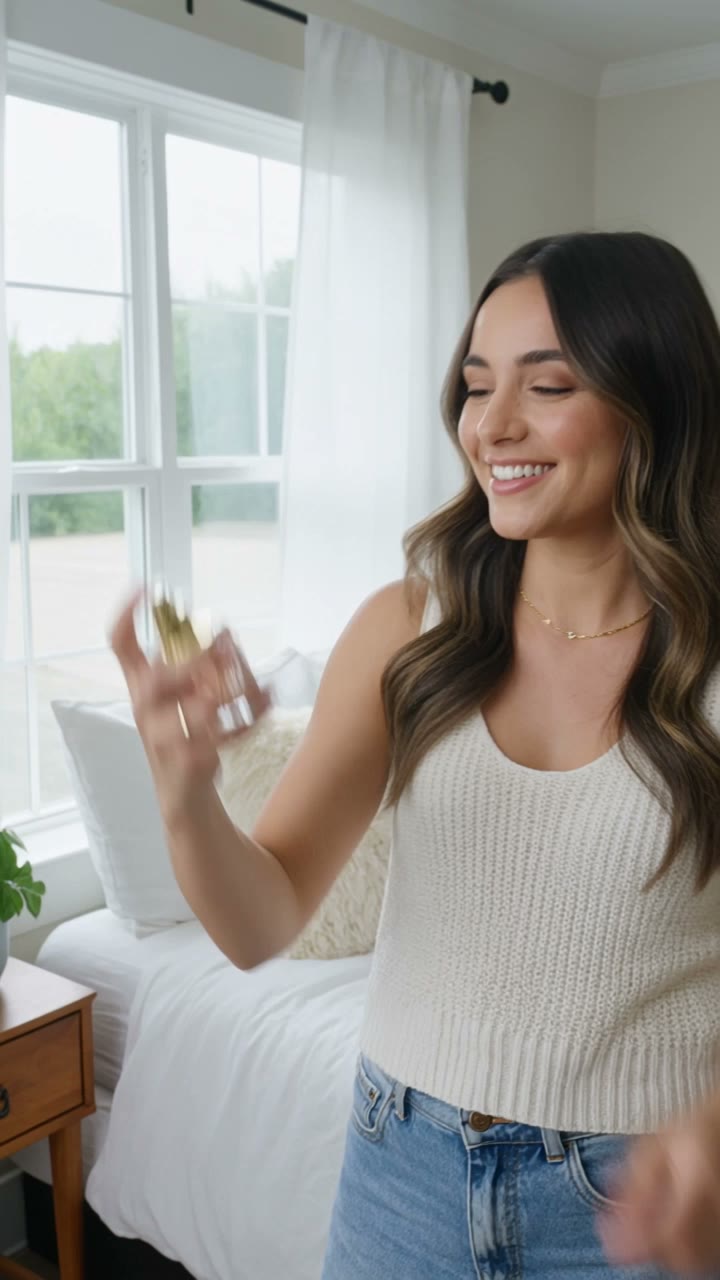
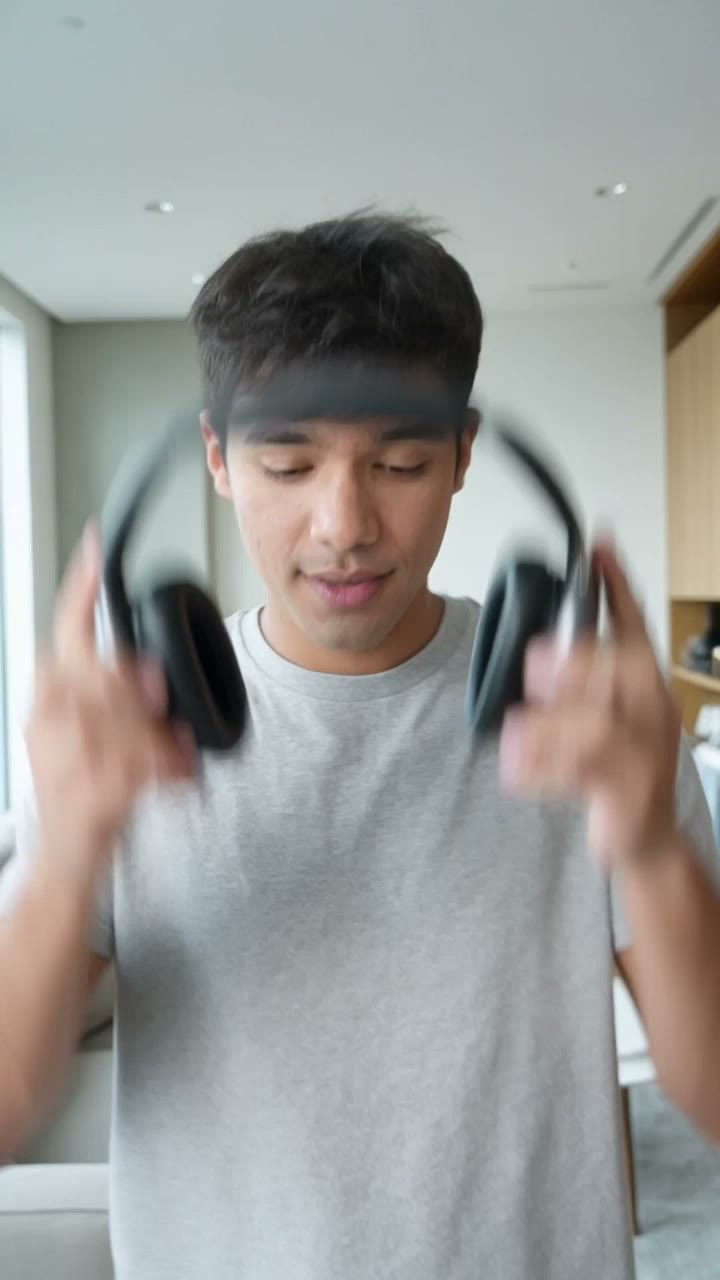
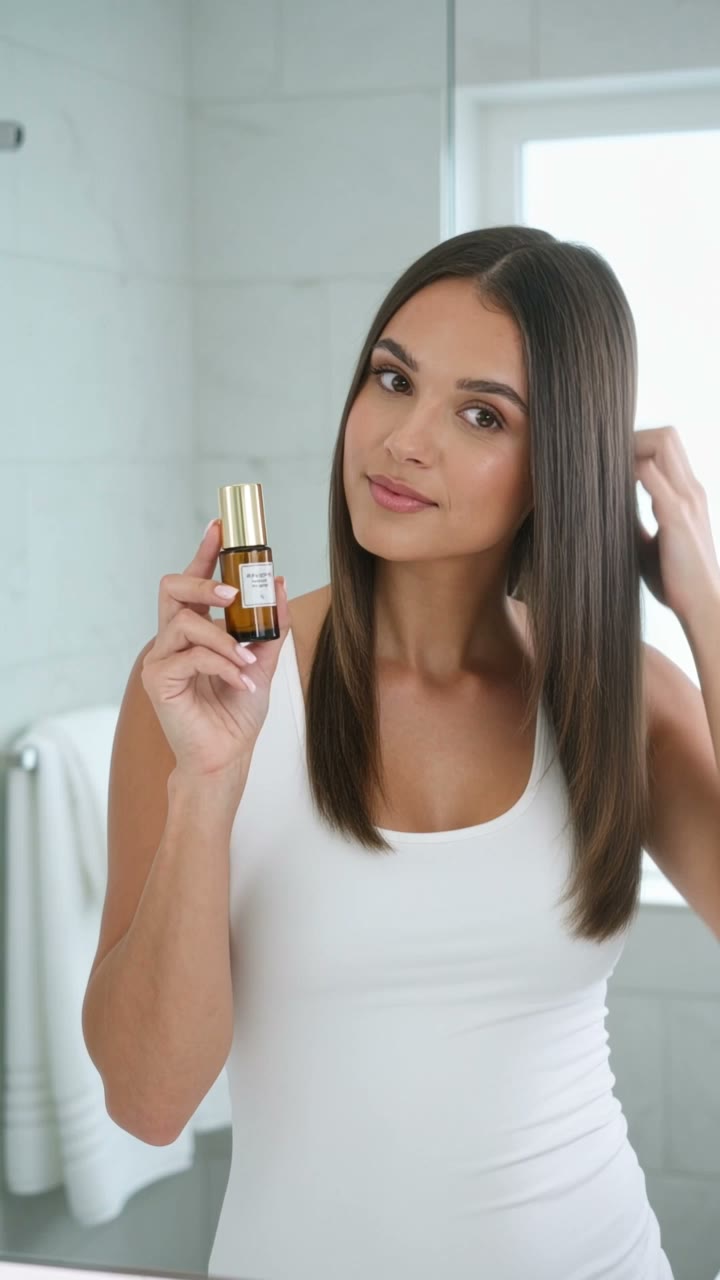
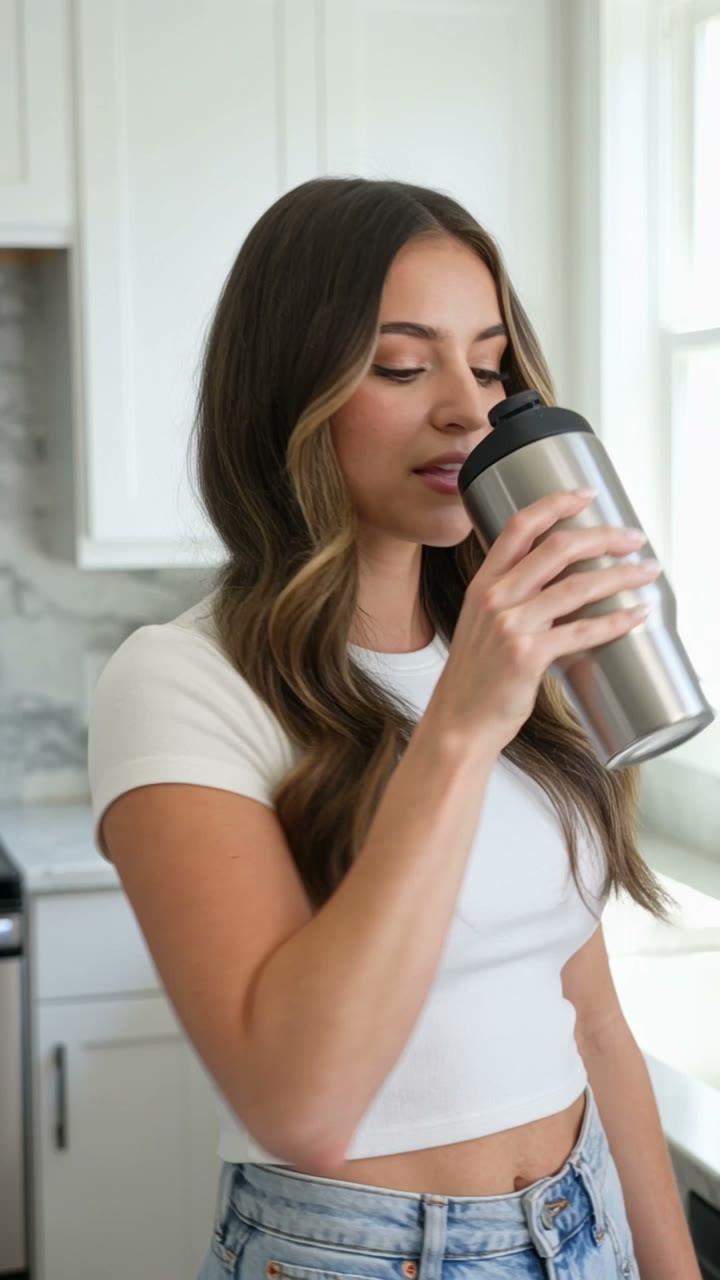
How Link to Ad works
- 01
Paste your product link
Drop the URL of any product page — your Shopify store, Amazon listing, or your own site — and pick an ad angle: authentic UGC, cinematic, unboxing, or problem–solution.
- 02
AI researches the real product
Viralance reads the page server-side and pulls the actual product name, description, and hero image — and researches current trends when they matter — so the ad is built on your real product, not a guess.
- 03
See the plan and exact cost
Autopilot shows the full ad plan — script angle, visuals, models, and the exact credit cost — right in the chat. Manual approval is the default. Automatic execution requires an explicit opt-in and a per-run credit limit.
- 04
Get a ready-to-post video ad
On approval, Viralance generates the vertical video ad with captions and hooks, saves it to your library, and gives you a download ready for TikTok, Reels, and YouTube Shorts.
Why creators use it
- From product link to finished video ad in minutes — no brief, no prompt writing
- Built on your real product page: actual name, description, and hero image
- Live trend research keeps the hook and style current
- The plan and exact credit cost are shown up front — manual approval by default, with optional automatic execution within your limit
- Four ad angles: UGC, cinematic, unboxing, and problem–solution
- Vertical 9:16 output with captions, ready for TikTok, Reels, and Shorts
- Pay per video in one-time credits — no subscription
Use cases
- Turn a Shopify or WooCommerce product page into a TikTok ad in one paste
- Launch UGC-style creatives for a new product without hiring creators
- Refresh ad creatives weekly by re-running the same product link with a new angle
- Test four ad angles (UGC, cinematic, unboxing, problem–solution) on the same product
Frequently asked questions
How does Viralance turn a product URL into a video ad?
You paste the product page link. Viralance reads the page server-side and extracts the real product name, description, and hero image, researches current trends when relevant, then drafts an ad plan. Once you approve it, the AI generates a vertical video ad based on that real product data.
Do I control what gets generated?
Yes. The AI shows you the full ad plan — the angle, script direction, visuals, and exact credit cost — in the chat as it works, and you can cancel or request changes. Manual approval is the default. Automatic execution must be enabled explicitly and stays within your per-run credit limit and available balance.
Which stores and product pages work?
Any public https product page works: Shopify, WooCommerce, Amazon listings, Etsy, or your own site. The page just needs standard product info (title, description, and a product image) for the best results.
What ad styles can I choose?
Four angles: authentic UGC (like a customer filmed it), cinematic product-hero, satisfying unboxing, and problem–solution. Each produces a vertical 9:16 video ad ready for TikTok, Reels, and YouTube Shorts.
How much does a video ad from a link cost?
It's priced in credits per generated video, and the exact cost is shown in the plan before you approve. Credits come from one-time packages — there is no subscription.