PixVerse V6 by PixVerse
PixVerse V6 AI video generator: Quick, low-cost clips with sound
PixVerse V6 is the current PixVerse model on Viralance and one of the quickest: a median wait of 2.1 min across 36 real generations. It makes 5 / 8s clips at 720p / 1080p with an audio track, from 4 credits.
Opens the studio with PixVerse V6 selected; the cost shows before you generate. Viralance is an independent platform, not affiliated with PixVerse.
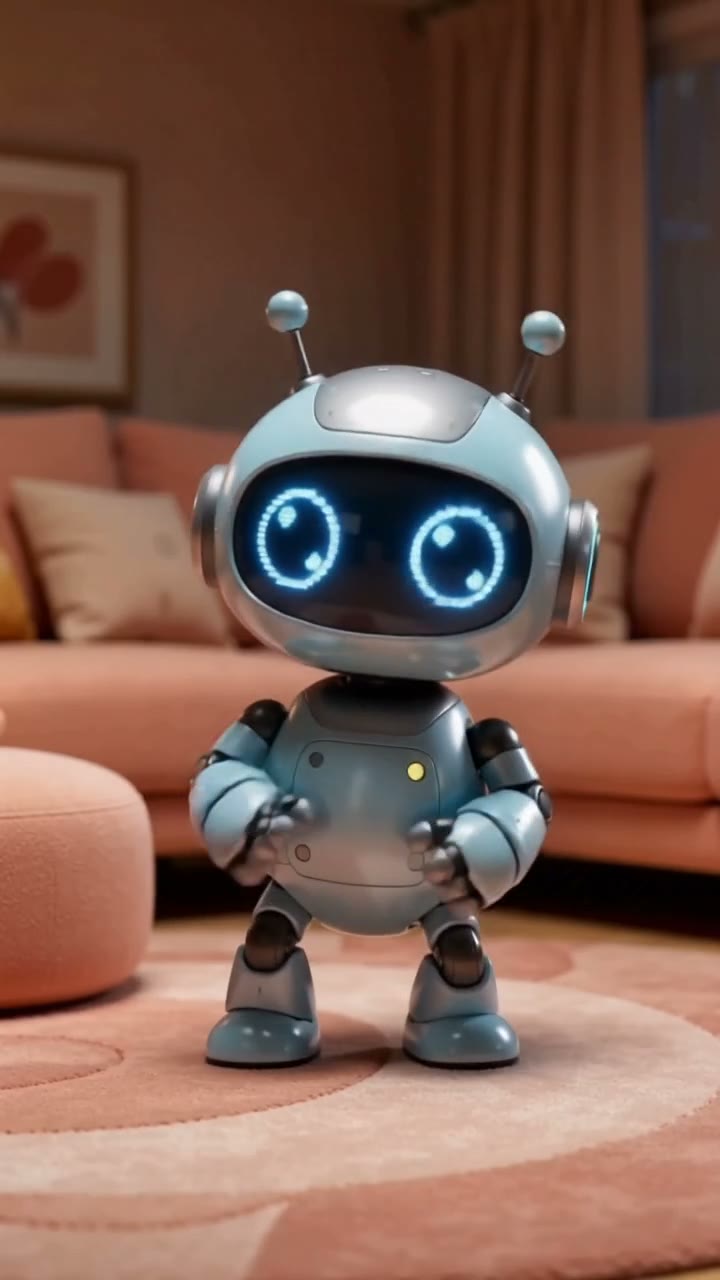
What PixVerse V6 does
PixVerse V6 is tuned for social clips: punchy motion, effects and transformations that read in the first second. It is often used to animate a product shot or a portrait with a stylised move.
It is fast and cheap enough to try several versions of an idea: a 5-second 720p clip is 4 credits, text or photo, and 92% of runs completed in our data.
Its limit is length: 8 seconds per clip. For longer takes, Kling or Wan are better fits.
Lengths, resolutions and credits per clip
From the live catalog. The Generate button shows the exact cost before every run.
PixVerse V6
4–10 credits- Input
- Text, Image
- Length
- 5 / 8s
- Resolution
- 720p / 1080p
- Audio
- Yes
- In dollars
- $1.20–$3.00 on Mini
- Success / wait
- 92% of 36 runs · median 2.1 min
A credit costs $0.30 on the $9 Mini pack and $0.18 on the $299 Business pack. Credits never expire. See pricing, or compare the price per clip with every other model in the pricing dataset.
PixVerse V6 vs PixVerse v5
PixVerse v5 ran on Viralance until it was retired on October 1, 2026. V6 replaced it:
| Aspect | PixVerse v5 | PixVerse V6 |
|---|---|---|
| Input | Photo only | Text or photo |
| Audio track | No | Yes |
| Resolution | 540p / 720p / 1080p | 720p / 1080p |
| Lengths | 5 / 8s | 5 / 8s |
| Credits, 5s at 720p | 5 | 4 |
v5 had preset styles (anime, clay, comic and others) as a setting; on V6 you write the style into the prompt instead.
Prompt tips for PixVerse V6
Lead with the effect
Put the transformation first: "the sneaker bursts into neon light trails as it spins". PixVerse commits to the first strong action it reads.
Write the style in words
There is no style dropdown on V6. Say "claymation", "comic book ink", "3D animated film" in the prompt.
Test at 720p, 5 seconds
Iterate at 4 credits, then render the keeper at 1080p for 8 seconds (10).
Use a clean product photo
A product on a plain background animates more cleanly than a busy lifestyle shot.
PixVerse V6 prompts to try
Copy one, or open it in the studio with the model already selected.
The perfume bottle in the photo shatters into hundreds of glowing petals that swirl and reform into the bottle, dark background, chime and whoosh
A product transformation from a photo.
Use this promptClaymation style: a small robot waters a single flower on a tiny planet, the flower blooms, stars twinkle, playful plinky music
A style written into the prompt.
Use this promptHow to make a PixVerse V6 video
- 01
Open the studio with PixVerse V6
The link opens the create page with PixVerse V6 selected.
- 02
Upload a photo or write the effect
Lead with the transformation and name the style.
- 03
Pick 5 or 8 seconds and generate
Choose 720p or 1080p; most clips are ready in about 2.1 min. If a generation fails or the model refuses the prompt, its credits are refunded automatically.
PixVerse V6 questions
How much does PixVerse V6 cost?
4 credits for 5 seconds and 6 for 8 seconds at 720p; 7 and 10 at 1080p. Text and photo input cost the same. A 5-second 720p clip is about $1.20 on the Mini pack ($9).
What changed from PixVerse v5 to V6?
V6 adds text-to-video and an audio track, and drops the 540p tier and the preset style setting. v5 was retired on Viralance on October 1, 2026.
Can I still use PixVerse v5?
Not in the studio. Saved presets and older app versions that call v5 still run, but new clips should use V6.
How long can a PixVerse V6 video be?
8 seconds per clip. Join clips in Film Studio for something longer.
Is Viralance the official PixVerse app?
No. Viralance is an independent platform that runs PixVerse V6 through fal.ai’s hosted model endpoints and bills per clip. It is not affiliated with or endorsed by PixVerse.