Use case
Restaurant and food promo videos that show the dish you actually serve
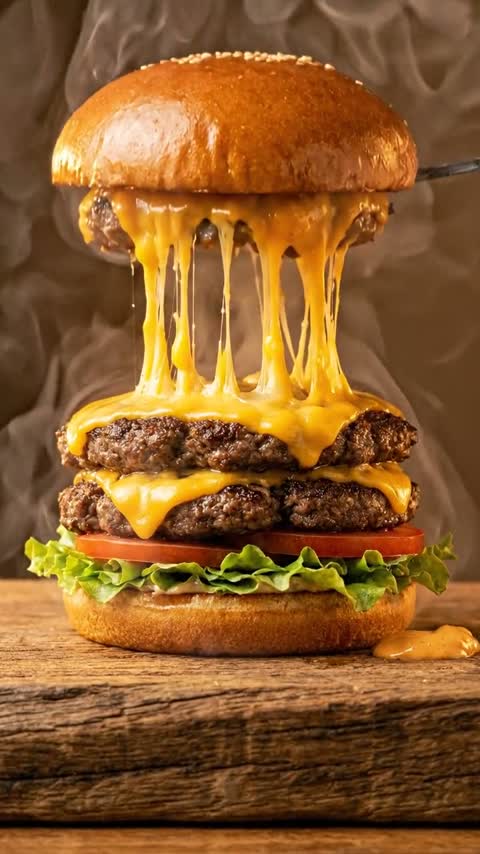
Start from a photo of the plate as it leaves the pass and let the model add motion only: rising steam, a slow push-in, a sauce pour. That costs 3 credits on Hailuo 2.3 or 5 with the Sizzle Close-Up template, so a weekly specials reel of four dishes with voiceover and captions is about 25 credits. Text-to-video will happily cook a burger you don’t sell; that is the one thing this workflow avoids.
From 3 credits a clip. Credits never expire, and failed generations are refunded automatically.
The workflow, step by step
Every step names the Viralance tool it runs on.
- 1
Photograph the plate for motion
Shoot vertically in daylight at the angle a guest sees it, with a little space above the dish for steam to rise into. The photo is the first frame, so plating, portion and garnish are fixed here.
- 2
Choose a food template or a prompt
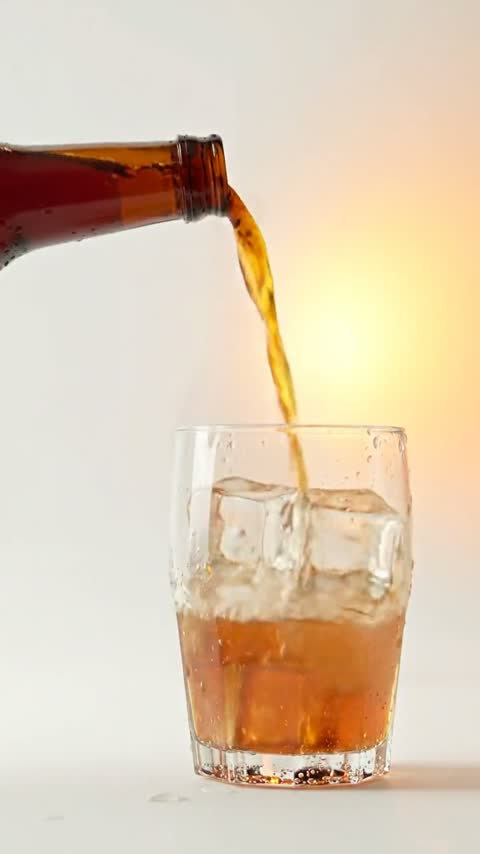
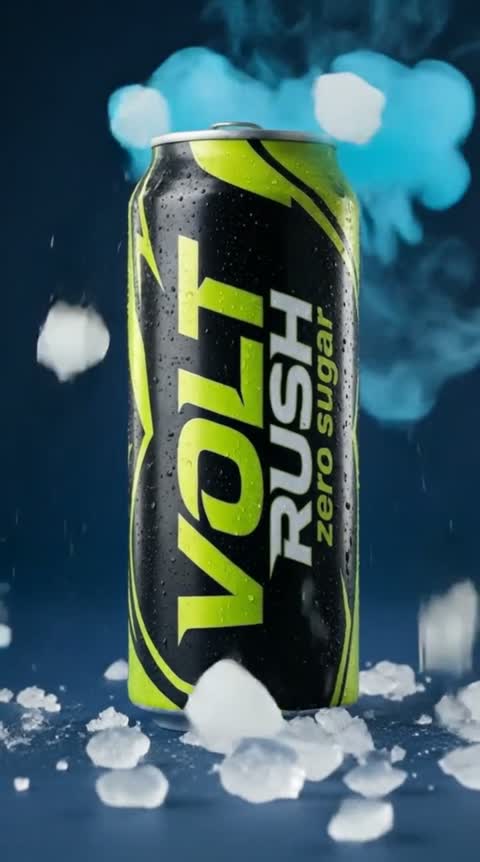
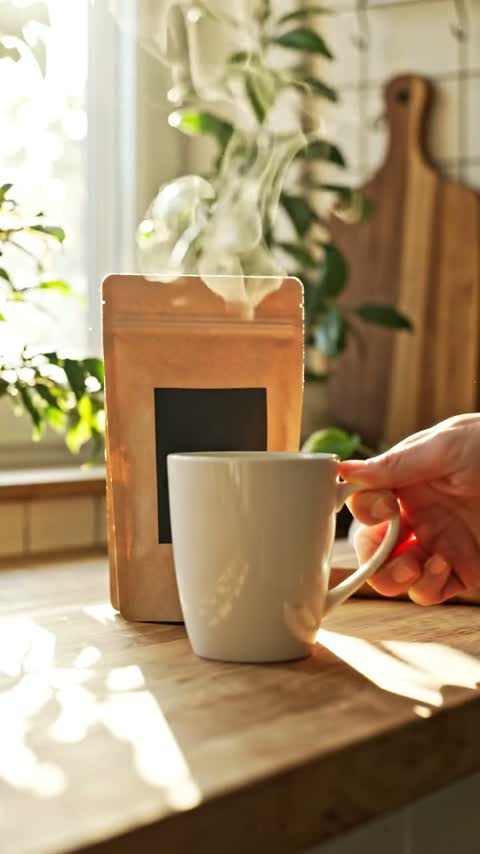
Sizzle Close-Up (5 credits) for burgers, pizza and street food, Slow Pour (5) and Ice Cold (8) for drinks, Kitchen Morning (5) for coffee and bakery. Anything else: image-to-video with a prompt that names the one motion you want.
- 3
Check the clip against the plate
Did steam appear on a cold dish, did the cheese multiply, did a garnish you don’t use show up? Reject it. Guests compare the video with what arrives.
- 4
Cut the reel and add the words in an editor
Download the clips and order them in Instagram, TikTok or CapCut at 2–3 seconds each; Viralance has no timeline editor. Put dish names and prices in as editor text, because generated text is unreliable. Add a short script from Voiceover (2 credits) and burn in captions on Edit video (3 credits).
- 5
Post where you control the channel
Instagram, TikTok, Facebook, YouTube Shorts, your website, Google Business Profile posts and in-store screens. Keep plain photos on delivery-app menus (below).
Models that suit this job
Credits per clip from the live price list. Dollar figures use the $9 Mini pack and the $299 Business pack.
| Model | Setting | Credits | Mini / Business | Why this one | Try |
|---|---|---|---|---|---|
| VEO 3.1 Lite | Photo · 6s · 720p | 4 | $1.20 / $0.72 | Sound included (sizzle, pour, café murmur) at a low price; the model most of our users run. | Try it |
| Hailuo 2.3 | Photo · 6s · 720p | 3 | $0.90 / $0.54 | Cheapest silent clip for menu boards and in-store screens; no sound track at all. | Try it |
| VEO 3.1 Lite | Photo · 8s · 720p | 5 | $1.50 / $0.91 | Eight seconds for a slow pour or a cheese pull that needs time to read. | Try it |
| Wan 3.0 | Photo · 5s · 720p | 7 | $2.10 / $1.27 | Native audio and up to 15 seconds when one dish carries the whole post. | Try it |
| Kling 3.0 Standard | Photo · 5s · 1080p | 8 | $2.40 / $1.45 | 1080p for a hero dish on your website or a large screen. | Try it |
VEO 3.1 Lite
4 creditsPhoto · 6s · 720p · $1.20 / $0.72
Sound included (sizzle, pour, café murmur) at a low price; the model most of our users run.
Try VEO 3.1 LiteHailuo 2.3
3 creditsPhoto · 6s · 720p · $0.90 / $0.54
Cheapest silent clip for menu boards and in-store screens; no sound track at all.
Try Hailuo 2.3VEO 3.1 Lite
5 creditsPhoto · 8s · 720p · $1.50 / $0.91
Eight seconds for a slow pour or a cheese pull that needs time to read.
Try VEO 3.1 LiteWan 3.0
7 creditsPhoto · 5s · 720p · $2.10 / $1.27
Native audio and up to 15 seconds when one dish carries the whole post.
Try Wan 3.0Kling 3.0 Standard
8 creditsPhoto · 5s · 1080p · $2.40 / $1.45
1080p for a hero dish on your website or a large screen.
Try Kling 3.0 Standard
Weekly specials reel: four dishes on VEO 3.1 Lite at 6 seconds (16 credits), one retry (4), a 2-credit voiceover and 3-credit captions: 25 credits, about $7.50 on the entry pack. Whole-menu refresh: twelve dishes on Hailuo 2.3 are 36 credits; with Sizzle Close-Up for each, 60. A longer 8-second VEO 3.1 Lite clip is 5; Kling 3.0 Standard at 1080p is 8.
One-click templates for this
Upload one photo, no prompt needed. The price is the full cost with default settings.
Motion that keeps the food honest
Ask for one motion that a real camera could have caught. Anything that changes the food itself (more toppings, a bigger portion, a sauce you don’t serve) turns a promo into a misleading ad.
- Hot dishes: steam rising, a slow push-in, a slight shimmer on melted cheese.
- Drinks: condensation forming, a slow pour into the glass, ice settling.
- Desserts and bakery: a slow orbit of a few degrees, powdered sugar settling, no steam.
- Salads and cold plates: a gentle push-in only; ask for “no steam, nothing added”.
Delivery apps are a different rule book
DoorDash’s merchant photo guidance lists images that look AI-generated, or are modified so they no longer represent the item, as a reason to reject a menu photo, and it asks for photos that show exactly what the customer receives. Other apps have similar rules. Keep real, unaltered photos on delivery listings and use animated clips on channels you run. If an app invites video, read its current merchant guidelines first.
What this workflow does not do
Viralance does not post to Instagram or TikTok for you, does not build a menu reel from several photos in one go, and does not write reliable prices or dish names into the picture. The full restaurant guide has prompts by dish type, the plate checklist and the honest-marketing notes.
Prompts to start from
Copy one, or open it in the studio with the model already selected.
Slow push-in toward the burger at table height. Gentle steam rises from the patty, the cheese softens slightly. The bun, toppings, portion and plate stay exactly as in the photo. Nothing added. Soft sizzle and quiet restaurant ambience.
Hot dish with sound.
Use this promptCondensation slowly forms on the glass and a few ice cubes settle. Camera holds still, then drifts in a little. The drink, garnish and glass stay exactly as shown. No hands, no text.
Cold drink, silent, for menu screens.
Use this promptVery slow orbit of a few degrees around the slice of cake on a ceramic plate, soft window light. No steam, no added decoration; the cake, cream and fruit stay exactly as shown.
Cold dessert, 1080p for the website.
Use this promptQuestions about this
Can I make a restaurant video without filming anything?
Yes, from photos of your real dishes. Each photo becomes a short clip with steam, a pour or a slow camera move. Avoid generating food from a text prompt alone, because it will not look like what you serve.
Can I use AI food videos on DoorDash or Uber Eats?
Keep real, unaltered photos on delivery-app menus. DoorDash lists AI-looking or heavily modified images as a reason to reject a menu photo, and other apps have similar rules. Use the animated clips on Instagram, TikTok, your website and in-store screens.
How much does a menu reel cost?
A four-dish specials reel on VEO 3.1 Lite with one retry, a voiceover and captions is about 25 credits. Twelve silent Hailuo 2.3 clips for a full menu are 36 credits. Packs are one-time and credits do not expire.
Can the video show prices and dish names?
Add them as text in your video editor or in the post caption. AI-generated lettering and numbers often come out misspelled or warped.
Which template should a café use?
Kitchen Morning suits coffee, tea and bakery items; Slow Pour and Ice Cold suit drinks. Sizzle Close-Up is built for hot savoury dishes such as burgers, pizza and street food.