Use case
AI save-the-date videos from your engagement photo
Upload your engagement photo as the start frame and a designed date card as the end frame, and VEO 3.1 Lite moves from one to the other in 8 seconds for 5 credits. Add a music bed for 9. Names and dates should never be typed into the prompt: models misspell text, so the card carries them as an image you made and checked.
From 3 credits a clip. Credits never expire, and failed generations are refunded automatically.
The workflow, step by step
Every step names the Viralance tool it runs on.
- 1
Choose the photo, and ask your partner
Pick a sharp, well-lit engagement photo with both faces clearly visible and not too small in the frame. You are animating two real people: make sure both of you agree, and only use photos you have the right to use (your photographer may hold the copyright).
- 2
Design the date card as an image
Make the end frame in the image generator (from 1 credit per image) or in any design tool. Then check every letter of the names, the date and the city. If the image model misspells anything, fix it in a design tool; the video will end on exactly this card, so it must be right.
- 3
Generate with a start and an end frame
In image-to-video, upload the photo as the start frame and the card as the end frame. It costs the same as plain image-to-video: 5 credits for 8 seconds on VEO 3.1 Lite or 8 for 5 seconds on Kling 3.0 Standard. Describe the transition, for example the camera drifting past the couple into falling petals that settle on the card.
- 4
Try a one-photo template as an alternative
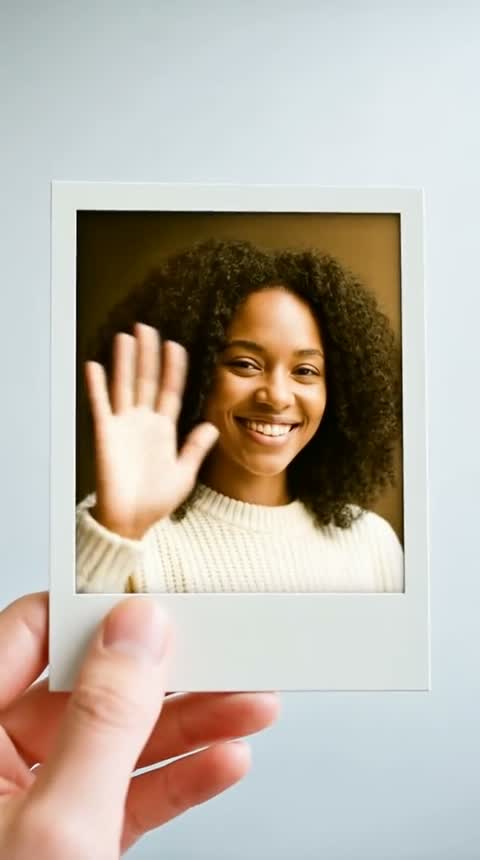
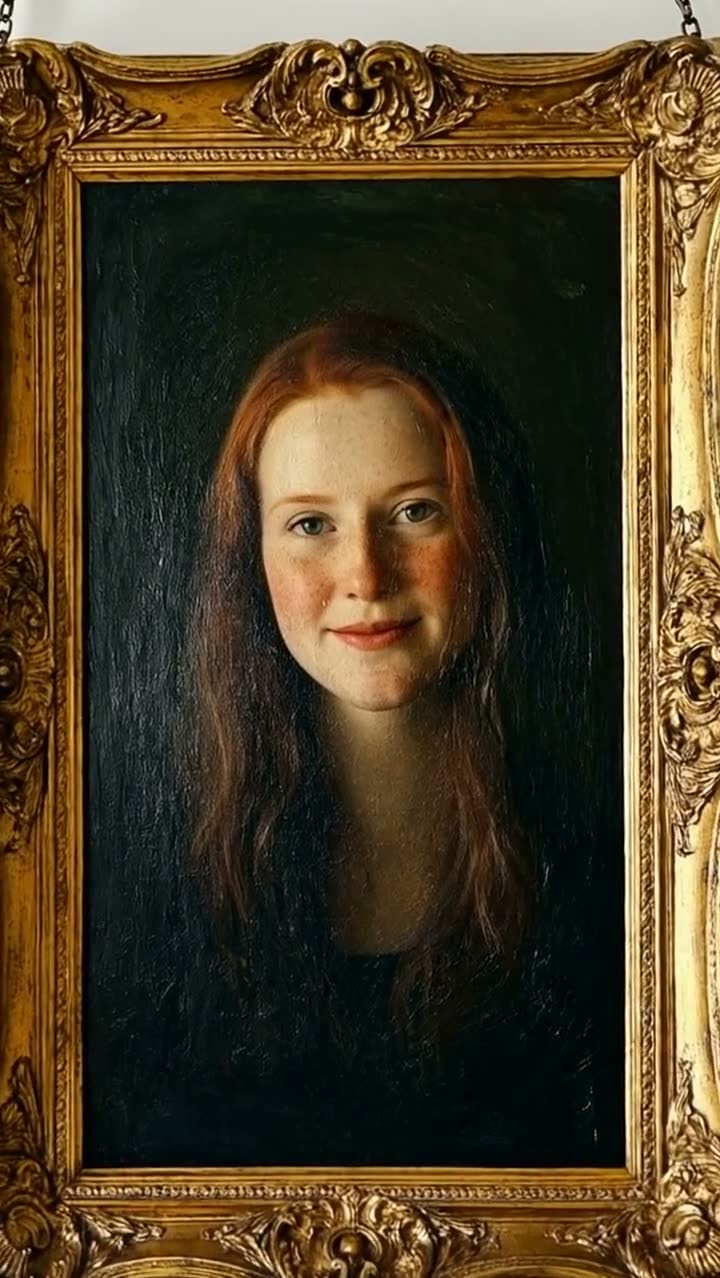
Polaroid Develop and Oil Painting Alive need no prompt. They were built for one person; with a couple photo the result varies, so treat the first run as a test. For a ring close-up, Rose Petal Reveal works on a product-style photo of the ring.
- 5
Add music and send
Audio Suite → Score composes a track to the length of the video (9 credits for 10 seconds, sources up to 60 seconds). Download the MP4 and share it by message or email, or add your own song in a phone editor.
Models that suit this job
Credits per clip from the live price list. Dollar figures use the $9 Mini pack and the $299 Business pack.
| Model | Setting | Credits | Mini / Business | Why this one | Try |
|---|---|---|---|---|---|
| VEO 3.1 Lite | Photo · 8s · 720p | 5 | $1.50 / $0.91 | Takes a start and an end frame, adds ambient sound, and is the cheapest 8-second option. | Try it |
| Kling 3.0 Standard | Photo · 5s | 8 | $2.40 / $1.45 | Start and end frame at 1080p; forgiving with real photos in our data (17 of 19 photo jobs finished). | Try it |
| PixVerse V6 | Photo · 5s · 720p | 4 | $1.20 / $0.72 | Budget start-to-end transition; good for playful, stylized moves. | Try it |
| Hailuo 2.3 | Photo · 6s · 720p | 3 | $0.90 / $0.54 | Gentle motion on the photo alone (3 credits). It has no end-frame input, so put the date card in afterwards. | Try it |
VEO 3.1 Lite
5 creditsPhoto · 8s · 720p · $1.50 / $0.91
Takes a start and an end frame, adds ambient sound, and is the cheapest 8-second option.
Try VEO 3.1 LiteKling 3.0 Standard
8 creditsPhoto · 5s · $2.40 / $1.45
Start and end frame at 1080p; forgiving with real photos in our data (17 of 19 photo jobs finished).
Try Kling 3.0 StandardPixVerse V6
4 creditsPhoto · 5s · 720p · $1.20 / $0.72
Budget start-to-end transition; good for playful, stylized moves.
Try PixVerse V6Hailuo 2.3
3 creditsPhoto · 6s · 720p · $0.90 / $0.54
Gentle motion on the photo alone (3 credits). It has no end-frame input, so put the date card in afterwards.
Try Hailuo 2.3
A date card (1), two attempts at the 8-second transition on VEO 3.1 Lite (10) and a 10-second music bed (9) come to 20 credits, about $6.00 on the entry pack. A refused or failed generation is refunded automatically.
One-click templates for this
Upload one photo, no prompt needed. The price is the full cost with default settings.


Keep the names and date out of the prompt
Video models treat text as shapes. Ask for "Emma & Daniel, 14.06.2027" and you may get "Emrna & Danie", a 2 that turns into a Z, or a date that shifts mid-clip. On a save-the-date, a wrong date is the one mistake guests will act on.
Two safe ways: the end-frame card described above, where the text is a finished image, or adding the names and date as a title in a video editor after generation. Either way, read the final frame out loud before sending.
When the model refuses your photo
Some providers reject photos of real faces no matter whose they are. In our records, Seedance and the MiniMax H3 models were the ones that refused photo inputs naming the image itself, while Hailuo 2.3 finished all 22 of its photo jobs and Kling 3.0 Standard 17 of 19. Those samples are small, and providers change their filters, so a refusal is not a judgment on your photo.
If a photo is refused, try VEO 3.1 Lite or Kling 3.0 Standard. The credits for a refused job come back automatically. Read more in why image-to-video fails.
What to check before you send it
Watch the clip at full size, once with sound and once without.
- Both faces still look like you in every frame, especially mid-transition.
- Hands, rings and fingers are intact.
- The last frame is your card, sharp and correctly spelled.
- Nothing in the generated sound (a voice, a word) that you did not ask for. Turn Sound off if in doubt.
Prompts to start from
Copy one, or open it in the studio with the model already selected.
The couple from the first image stand still and smile as the camera slowly drifts to the right; soft white petals begin to fall and gather until they settle into the card in the last image. Keep both faces unchanged.
Use with the photo as start frame and the card as end frame.
Use this promptGentle breeze moves the hair and the dress, warm golden-hour light flickers through leaves, very slow push-in, the couple keep looking at each other
Photo only, no end frame; add the date as a title later.
Use this promptMacro shot: the engagement ring from the photo rests on dark velvet, light catches the stone as the camera orbits a few degrees, slow and steady
A ring detail shot to open the video.
Use this promptQuestions about this
Can AI write our names and wedding date into the video?
Not reliably. Video models misspell names and change numbers. Put the text in an image you design and check (used as the end frame), or add it as a title in a video editor afterwards.
What does a start and end frame do?
You upload two images and the model generates the motion between them, ending on the second image. On Viralance it costs the same as plain image-to-video, for example 5 credits for 8 seconds on VEO 3.1 Lite. Hailuo 2.3 does not support it.
Why was our engagement photo rejected?
Some model providers refuse any photo of a real face. Try VEO 3.1 Lite or Kling 3.0 Standard instead. Refused jobs are refunded in credits automatically.
Can we use the photos our photographer took?
Check your contract. Many photographers keep the copyright and license the photos for personal use, which usually covers a save-the-date you send to guests, but not always edits or commercial use.
How long should a save-the-date video be?
Between 5 and 10 seconds is enough for one transition and a card that stays on screen for two or three seconds. Longer clips give the model more time to drift from your faces.