Image-to-Video AI: Prepare a Photo, Pick a Model and Review the Result
Image-to-video uses a photograph as the first frame and a prompt to describe movement. It can animate a product, portrait or scene, but it doesn't lock every pixel in place: labels, faces and shapes can drift as new frames are generated. This guide covers how to prepare the photo, which Viralance models accept an image and what each costs, the settings that behave differently from text-to-video, and how to review the result.
Choose your settings and review the credit cost before generating.
Create your first videoPrepare the photograph before choosing a model
Use an image you have permission to upload and edit. Start with a sharp subject, an uncluttered background and space around the object for the motion you want. If the subject is already cut off, the model has to invent the missing part.
Crop to your target shape first. In image-to-video mode the create page has no aspect-ratio selector: the output follows the shape of your source image. For TikTok, Reels or Shorts, crop the photo to 9:16 before uploading. If the photo is landscape and you need vertical, either crop it or use AI outpainting to extend it first.
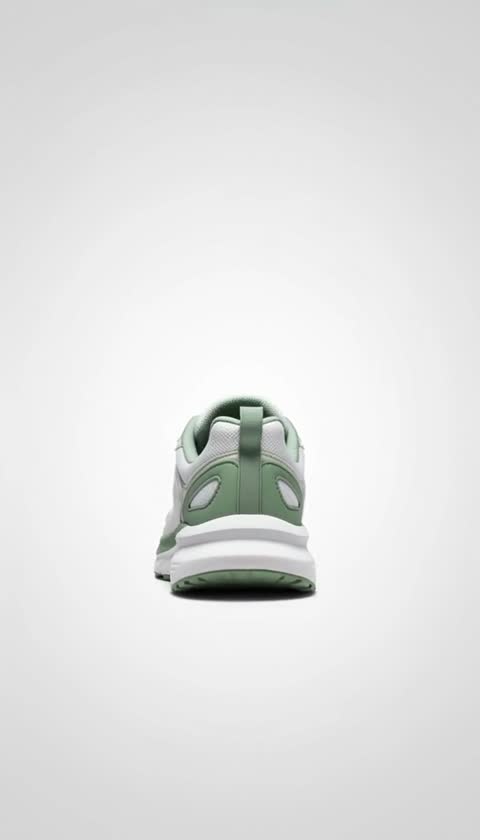
For a product label, look at the source at actual size. If the writing is unreadable in the photo, a prompt won't make it reliable. A camera orbit can reveal a side the photo never showed; avoid that move when product accuracy matters.
| Source issue | Likely difficulty | Preparation |
|---|---|---|
| Tiny label text | Lettering changes between frames | Use a closer, sharper photograph |
| Tight crop | Object leaves the frame | Add room around the subject |
| Wrong shape for the platform | Output comes out landscape or square | Crop or outpaint to 9:16 before upload |
| Reflections hide the label | Product details become ambiguous | Choose a better-lit photograph |
| Several similar objects | Objects merge or swap details | Test one subject first |
No photo yet? Generate one in Create Image (Nano Banana is 1 credit per image). Generated images appear in My Photos, where you can send any of them to image-to-video.
Which models accept an image, and what they cost
All figures are from the live Viralance catalog (September 2026). Costs are for image-to-video mode.
| Model | Durations | Resolutions | Credits | Notes |
|---|---|---|---|---|
| Hailuo 2.3 | 6, 10s (1080p: 6s only) | 720p, 1080p | 3–5 | Cheapest test with real physics |
| VEO 3.1 Lite | 8s (see below) | 720p, 1080p | 5 at 720p, 8 at 1080p | Budget VEO with audio |
| VEO 3.1 Fast | 8s (see below) | 720p, 1080p | 12 at 720p or 1080p | Cleaner motion, audio |
| PixVerse V6 | 5, 8s | 720p, 1080p | 4–10 | Budget, with audio |
| Wan 3.0 | 5, 10, 15s | 480p, 720p, 1080p | 4–38 | Native audio, up to 15s |
| LTX-2.3 Fast | 6, 8, 10s | 1080p | 5–8 | Low-cost 1080p with audio |
| Kling 3.0 Standard | 5, 10, 15s | 1080p | 8–22 | 1080p at a lower price |
| Kling 3.0 Pro | 5, 10, 15s | 1080p | 10–28 | Most controlled cinematic motion |
| Kling 2.6 Pro | 5, 10s | — | 6–12 | Image-only, native audio |
| Happy Horse 1.1 | 5, 8, 10s | 720p, 1080p | 8–19 | Audio and lip sync |
| Seedance 2.0 | 5, 10, 15s | 480p, 720p, 1080p | 10–82 | Lip sync; see face rule below |
| Seedance 2.5 | 5, 10, 15, 30s | 480p, 720p | 11–142 | Up to 30s from one image |
| MiniMax H3 | 5, 10, 15s | 768p, 2K, 4K | 3–24 | 4K output, stereo audio |
| Grok Imagine 1.5 | 5, 6, 10s | 480p, 720p | 3–10 | Image-only, audio |
| Hunyuan 1.5 | 5, 8s | 480p | 3–5 | Image-only, 480p output |
Credits cost $0.30 each on the $9 Mini pack and about $0.18 on the $299 Business pack, so a 3-credit Hailuo test is $0.90 or $0.54, and an 8-credit Kling 3.0 Standard clip is $2.40 or $1.45.
Three rules that differ from text-to-video
1. VEO image-to-video: pick 4, 6 or 8 seconds. VEO 3.1 Fast and Lite animate a photo at the length you choose and keep the photo's shape (square stays square, vertical stays vertical). Start at 4 seconds to test motion cheaply, then re-run the keeper at 8. Only VEO 3.1 Fast reference-to-video is fixed at 8 seconds.
2. Seedance blocks realistic human faces from photos. ByteDance's content policy rejects image-to-video jobs that start from a photo of a real-looking person (a deepfake safeguard). Text-to-video isn't affected. If a Seedance job fails for this reason, the credits are refunded automatically. For a real person's photo, use Kling, Hailuo 2.3, PixVerse V6 or VEO 3.1.
3. You confirm consent. Before an image-to-video or reference-to-video job starts, you confirm you have the right to use the image. Prompts and uploads are also screened for impersonation, such as photos of public figures.
Pick one motion
These are example prompts to adapt, not guarantees:
A stable product detail:
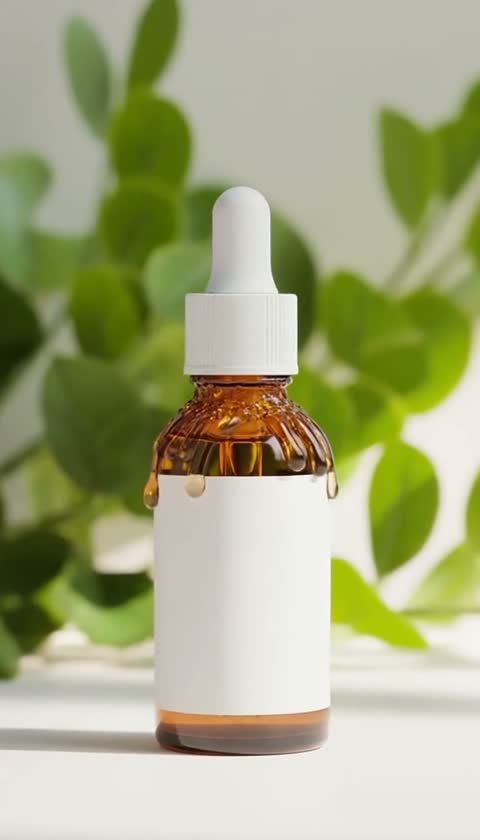
Keep the bottle stationary and its front label facing the camera. Use a very slow camera push-in. Keep the bottle shape and printed label unchanged. No rotation, no new objects.
A landscape:
The camera stays still. Leaves move gently in a light breeze and small ripples travel across the water. Keep the horizon and buildings stable.
A portrait with subtle motion:
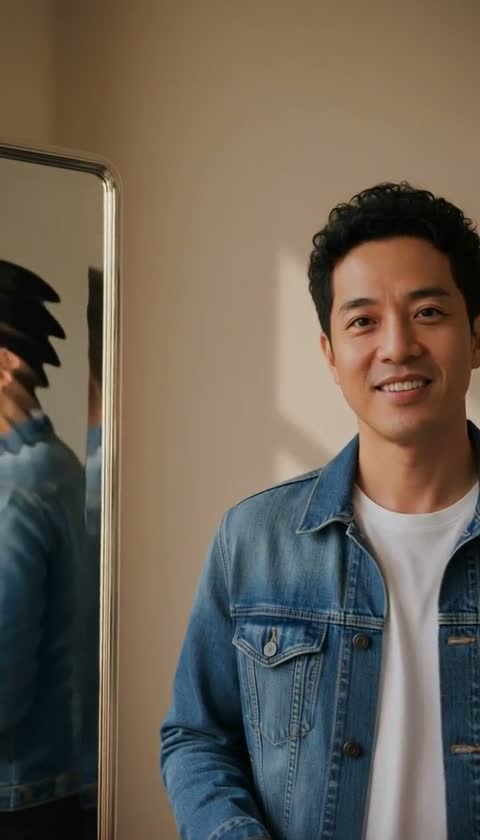
The person remains in the same position, with subtle natural breathing and a slight head movement. Keep the camera still and preserve clothing and facial appearance.
Describe only what should move. The image already shows what things look like, and repeating the appearance in the prompt can make the model redraw it.
A cheap testing ladder
Don't open with the most expensive model. For one product photo:
- Hailuo 2.3, 720p, 6s: 3 credits. Does the motion idea work at all?
- VEO 3.1 Lite, 720p, 8s: 5 credits. Adds audio and a second opinion on the same prompt.
- Kling 3.0 Standard, 5s, 1080p: 8 credits. Final-quality 1080p once the prompt is settled.
That's 16 credits for three different reads of one idea, which fits inside the $9 Mini pack with room for a retry.
Keep a product consistent across several shots
If you need the same product in different scenes rather than an animated photo, use reference-to-video on VEO 3.1 Fast, Seedance 2.0/2.5, Kling 3.0 Pro or MiniMax H3. You upload reference images (up to 3 on most models, 4 on Kling 3.0 Pro, 9 on Seedance 2.0) and write a new scene; the model tries to keep the subject consistent.
For a ready-made product flow, the Product Hero recipe restages your product photo as a premium hero shot (2 credits) and animates it with Hailuo 2.3 (3 credits): 5 credits in total.
To make a person in a photo copy the movement of a reference video, use motion transfer instead.
Open the workflow and check the cost
Open image-to-video with VEO 3.1 Lite, upload the source photo and set the duration to 8s. Confirm resolution and audio, and check the credit cost shown before you generate. Your selection carries over after sign-in.
Review frames, not just the first impression
Watch the whole clip once, then pause near the beginning, middle and end:
- Does the object keep its silhouette and proportions?
- Are the label and logo still readable and accurate?
- Do reflections or hands create misleading product details?
- Does the motion match the brief without unexpected cuts?
- Is the downloaded file the shape you need, with or without audio as intended?
Save the prompt and settings alongside the result. If a label deforms, reduce motion before adding more elaborate wording. If a move exposes an unseen surface, switch to a gentler push-in or use a photo that actually shows that surface.
Plan a useful second attempt
For a failed first draft, write one diagnosis, such as "the label changes during rotation." Then change one relevant control: remove the rotation. The next attempt tells you something even if it still needs work.
The label checklist gives a focused review, and the three-shot worksheet helps you plan separate opening, detail and closing shots instead of asking one short generation to do everything.
When image-to-video is the wrong tool
- The product must be shown exactly (regulated packaging, ingredient panels, sizes): film it.
- You need a side the photo doesn't show: take another photo; the model will guess.
- You need a long talking segment: most image models stop at 8–15 seconds.
Frequently asked questions
Will my product look exactly the same throughout?
Not necessarily. The image anchors the first frame, but later frames are generated. Check every detail that matters to your product claim.
Why did my video come out landscape when I wanted vertical?
Image-to-video follows the shape of the source image. Crop or outpaint the photo to 9:16 before uploading.
Which model is cheapest for animating a photo?
Hailuo 2.3 at 720p for 6 seconds, and Hunyuan 1.5 at 5 seconds, both cost 3 credits. MiniMax H3 at 768p for 5 seconds is also 3 credits.
Can I use the result commercially?
Viralance's terms state you keep ownership of what you generate. You still need the rights to the source photo, and generating a clip doesn't give permission to use another person's likeness or a protected asset.
How long does generation take?
It depends on the model, settings and provider queue. The job status in your library is more useful than a fixed promise; check it before retrying.