Photo effect · two people
AI hug generator
Put two people in the same room and let them hug, even when their photos were taken years or miles apart. Upload one photo with both of them, or one photo of each person.
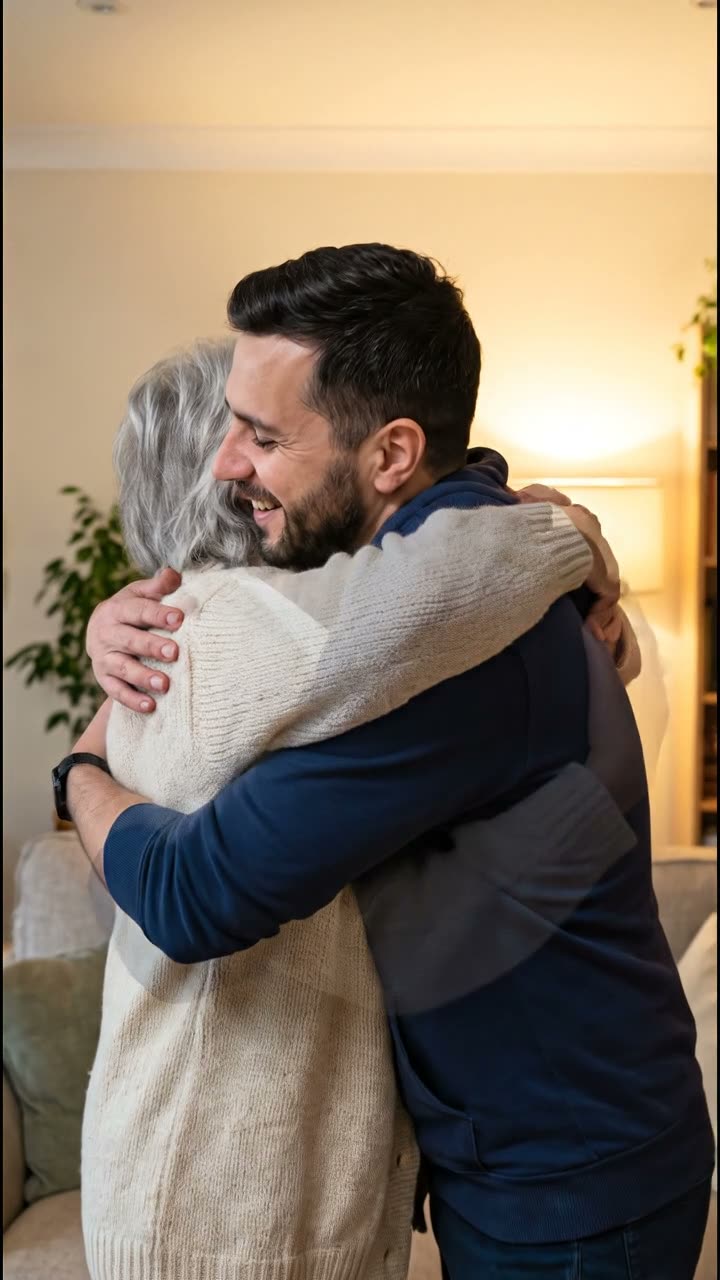 Made with VEO 3.1 Fast
Example made with VEO 3.1 Fast on AI-generated sample photos. The template runs on Kling 3.0 by default.
- Price
- 10 credits
- Model
- Kling 3.0
- Length
- 5s · 720p
- Like the example
- 14 credits
2 credits for the scene edit + 8 credits for the video.
AI Hug works in two passes. First an image edit places both people face to face in a warm living room, keeping the hair, clothes and age from your photos. Then Kling 3.0 animates the moment: they step in, wrap their arms around each other and sway for a beat.
People make these for reunions, long-distance couples, anniversaries and the grandparent who lives on another continent. Because the clip shows real people touching, the template asks you to confirm that everyone pictured agreed before anything is generated, and photos of public figures are refused by our image check.
Photos that hug well
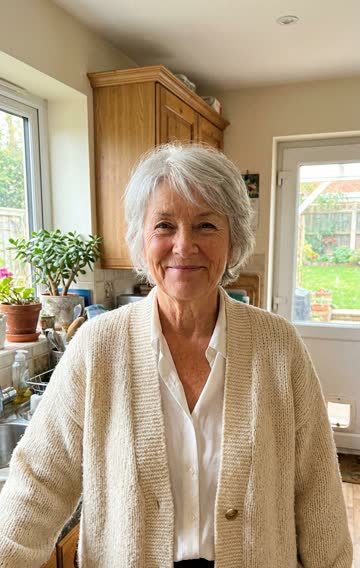

- Waist-up shots with clear faces turned roughly toward the camera.
- Two separate photos are fine: the first slot for one person, the optional second slot for the other.
- Similar light in both photos makes the shared room look more natural.
- Skip group shots. The edit looks for two people, not five.
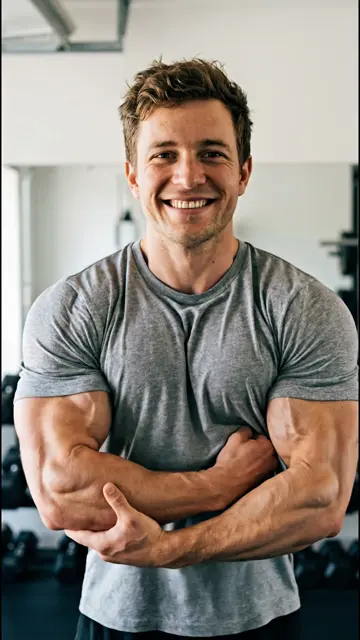
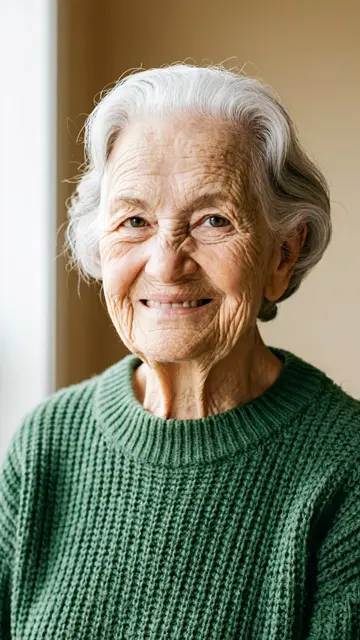
Left: the two sample photos the example started from.
How it works
- 1
Open AI Hug
Sign in and open the AI Hug template. The preview on this page was made from the two separate sample photos shown above.
- 2
Add one or two photos
Drop a photo of both people, or one photo per person using the optional second slot.
- 3
Confirm consent
Tick the box that says everyone pictured agreed, or that you are one of them. The button stays off until you do.
- 4
Generate
The scene edit (2 credits) runs first, then the 5-second Kling 3.0 clip (8 credits). The video lands in My Videos.
Questions
Can two people hug if they are in different photos?
Yes. Upload one photo per person. The scene edit puts both of them into one shared frame before the hug is animated, which is how the example on this page was made.
How much does an AI hug video cost?
10 credits with the default settings: 2 for the scene edit and 8 for a 5-second Kling 3.0 video at 720p. The example was made with VEO 3.1 Fast, which you can pick in the template for 14 credits in total. Failed generations are refunded in credits.
Can I make a hug video with someone who has passed away?
Many people do, often with a parent or grandparent. It is allowed when you are family or have the family’s agreement, which is what the consent box asks you to confirm.
Is there an AI kiss version?
No. We kept to hugs on purpose: a kiss between two real people is too easy to make without the other person’s consent.
Why was my photo rejected?
Every upload is checked before any credits move. Photos of public figures and explicit images are refused. Use photos of yourself and of people who agreed to it.
More photo effects
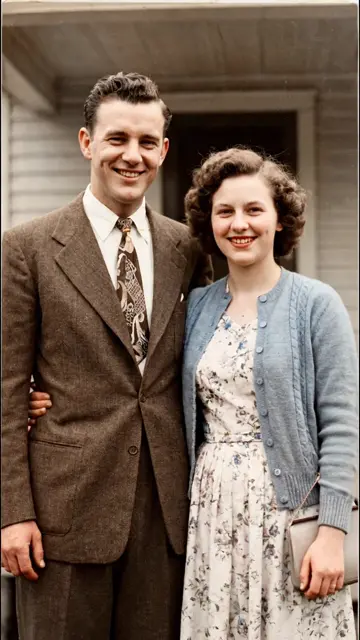 Bring old photos to life3 credits
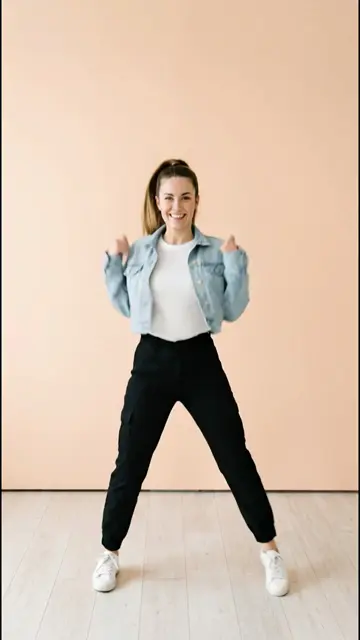 AI dance generator8 credits
 AI muscle generator3 credits
 AI aging video3 credits
Or browse all AI video templates.