Replace Product in Video
Replace the Product in a Video With AI
Upload a 3–15 second ad and a photo of your product, and Viralance swaps your product into the clip with the same hands, moves, camera and light. A 10-second clip is 18 credits.
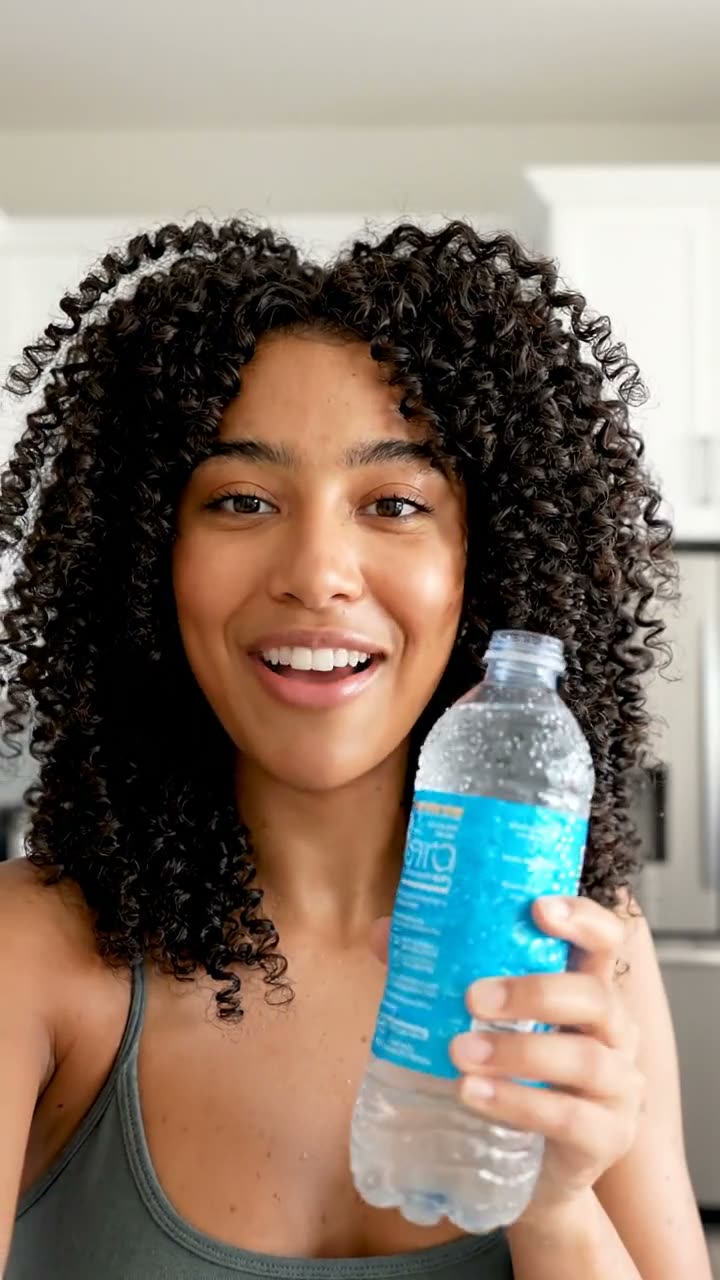
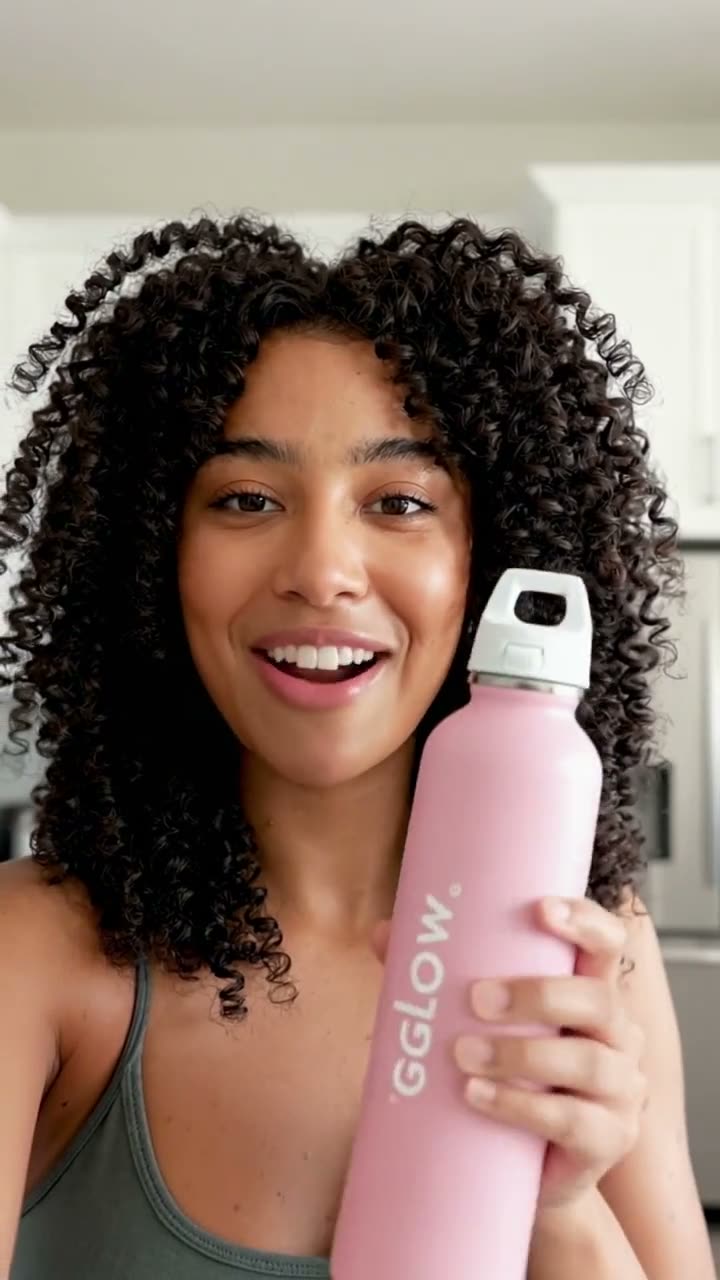
Replace Product in Video in short
To replace the product in a video with AI, upload a 3–15 second ad and a photo of your product to “Put my product in this video” on Viralance. It swaps your product in and keeps the moves, the camera, the light and the audio, for 9 credits for 5 seconds or 18 for 10, with no subscription.
- Price (standard)
- 9 / 18 / 27 credits for 5 / 10 / 15 seconds
- Price (pro)
- 11 / 21 / 32 credits for 5 / 10 / 15 seconds
- Source video
- 3 to 15 seconds, at least 720p
- Input
- One photo of your product
- Kept from the original
- Motion, camera, lighting and audio
- Model
- Kling O3 video-to-video edit
- Payment
- One-time credit packs, no subscription
How Replace Product in Video works
- 01
Upload the ad video
Add a clip of 3 to 15 seconds at 720p or higher in which a product is held, shown or used. Use footage you have the right to edit.
- 02
Add a photo of your product
One clear photo is enough. A plain background and the angle closest to the one in the video give the most faithful label and shape.
- 03
Say what to replace, if needed
By default the main product is replaced. If the scene has several objects, name the one you mean, such as “the bottle in her hand”.
- 04
Download the new ad
Your product appears in the same hands with the same movement, camera and light, and the original audio is kept. The price is shown before you start (18 credits for 10 seconds on standard), and a failed job is refunded.
Why creators use it
- Reuses an ad that already works instead of filming a new one for each product
- Keeps the performance: hands, movement, camera and lighting stay as filmed
- Needs only one product photo
- Standard and pro quality, both priced by the length of the clip
- The original audio stays on the result
- One-time credit packs with no subscription
Use cases
- Turn one winning UGC ad into versions for every product in a range
- Localise an ad with the packaging sold in another country
- Test a new product in a proven ad before paying for a shoot
- Refresh an ad after a packaging redesign
Frequently asked questions
How do I replace a product in a video with AI?
Open “Put my product in this video” on Viralance, upload the ad clip (3–15 seconds, 720p or higher) and one photo of your product, and start the swap. The result keeps the motion, the camera and the audio of the original and shows your product instead. A 10-second clip is 18 credits.
How much does a product swap cost?
Standard quality is 9 credits for 5 seconds, 18 for 10 and 27 for 15. Pro quality is 11, 21 and 32. Credits come from one-time packs, and there is no subscription.
What kind of video works best?
A clip where the product is clearly visible and roughly the same size and shape as yours: a bottle for a bottle, a box for a box. Very fast motion or a product that is mostly hidden by hands gives weaker results.
Will my label and logo be readable?
The model copies the look of your product photo, and large shapes, colours and logos usually hold. Small text can soften or change, so check the label in the result, and use pro quality when the label matters.
Can I use someone else's ad?
Only footage you own or have permission to edit. The tool changes the product, not the rights to the video or the people in it.
I do not have an ad video yet. What then?
Use Link to Ad to generate a UGC-style ad from your product page, or Image to Video to animate a product photo, then make variations from there.