Seasonal3 credits
Little Vampire Pet AI Video Template
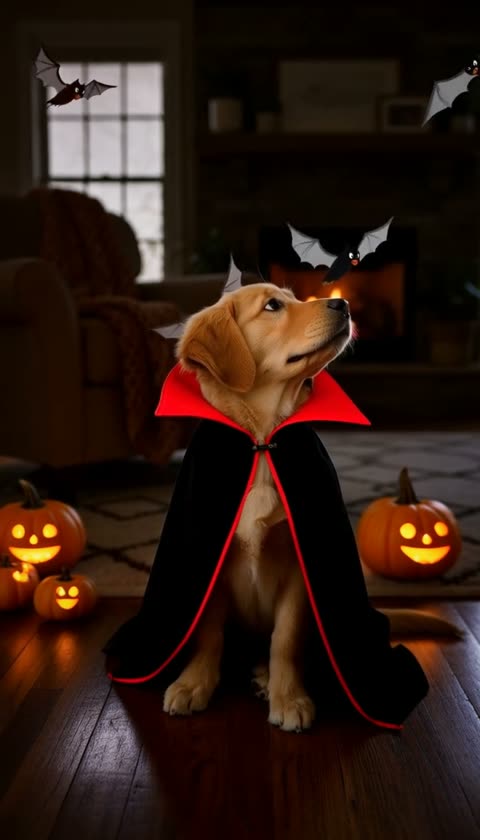
Example output on an AI-generated sample photo.
A tiny vampire cape pops onto your pet as bats flit by. Viralance animates a photo of your pet directly with Hailuo 2.3 into a 6-second 720p vertical (9:16) video. It costs 3 credits with the default settings, and you don't need to write a prompt.
Made with Hailuo 2.3 · Hailuo 2.3 model guide
- Cost
- 3 credits
- Model
- Hailuo 2.3
- Length
- 6s · 720p
- Format
- 9:16
What to upload
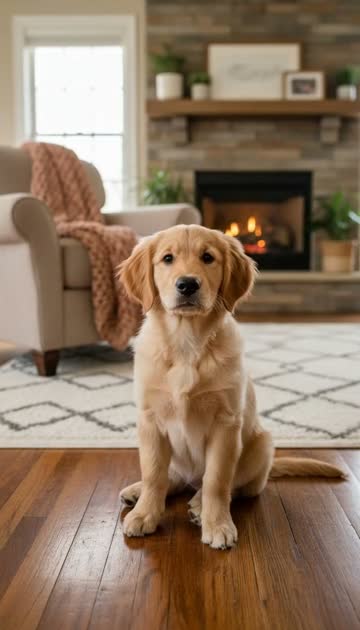
One photo: a photo of your pet.
A clear, well-lit photo of your pet with its face visible works best.
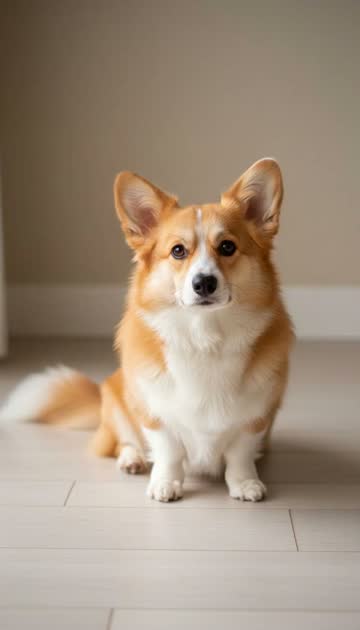
Left: the sample photo this preview started from.
Before → after
Drag to compare. Arrow keys work too.
More like this
More seasonal templates. See all
 3 credits
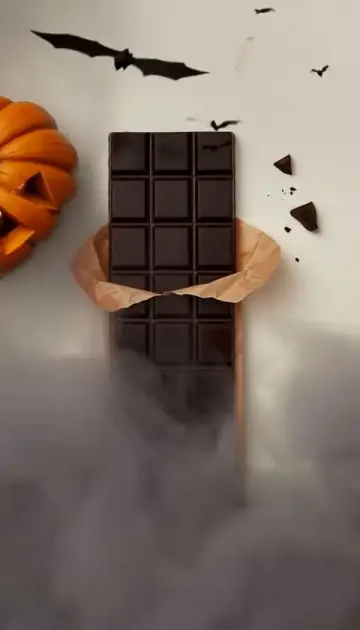
 Starts from one photo.Haunted RevealHalloween fog, candlelight and flickering pumpkins
 Black Friday8 credits
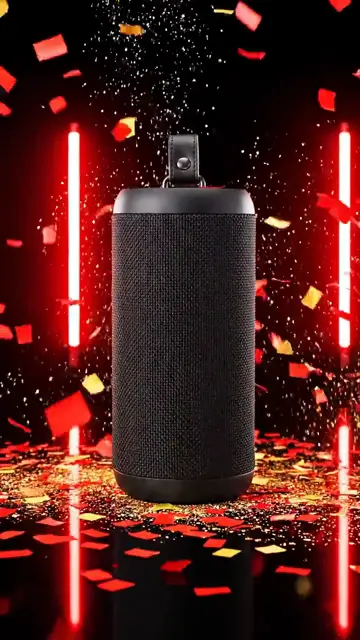
 Starts from one photo.Example made with VEO 3.1 FastBlack Friday DropSlam-in product drop with neon deal energy
 3 credits
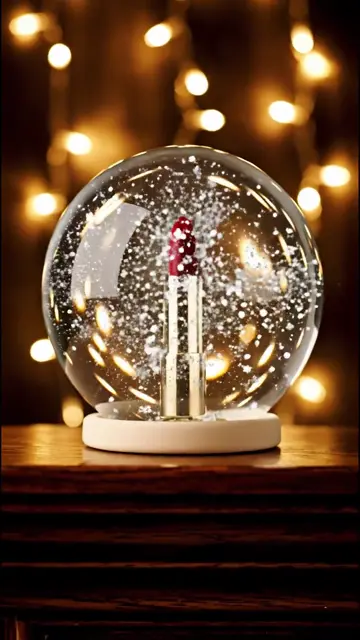
 Starts from one photo.Example made with VEO 3.1 FastSnow GlobeYour product sealed inside a holiday snow globe
 This week5 credits
 Starts from one photo.Example made with VEO 3.1 FastGift Box RevealWrapping paper tears away, holiday lights glow
 3 credits
 Starts from one photo.Witch Glow-UpA swirl of magic turns you into a Halloween witch
 5 credits
 Starts from one photo.First Day of FallGolden leaves, warm drink, cozy autumn vibe
 3 credits
 Starts from one photo.Example made with VEO 3.1 FastCozy HolidayTwinkle lights, soft snow, warm holiday glow
 3 credits
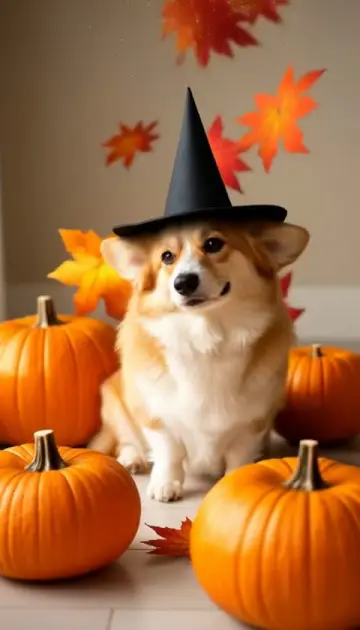
 Starts from one photo.Pumpkin Patch PetYour pet in a golden Halloween pumpkin patch
 3 credits
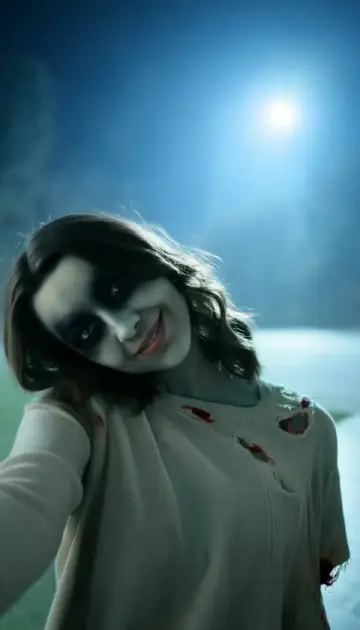
 Starts from one photo.Zombie MeFog rolls in and you turn into a Halloween zombie
 8 credits
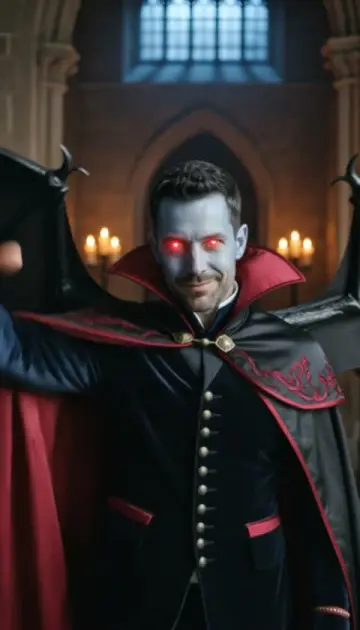
 Starts from one photo.Vampire MeA swarm of bats, a high-collared cape, and you are the count
How to make a Little Vampire Pet video
- 1
Open the Little Vampire Pet template
Sign in to Viralance and open Little Vampire Pet from Templates. The preview shows an example result.
- 2
Upload a photo of your pet
A clear, well-lit photo of your pet with its face visible works best.
- 3
Review model, length and cost
The default is Hailuo 2.3, 6s at 720p. Under Customize you can switch model, duration or resolution and the total cost updates before anything is charged.
- 4
Generate and download
Credits are charged when you generate. The finished video appears in My Videos, where you can download it.
Questions
How much does the Little Vampire Pet template cost?
3 credits with the default settings (one 6-second Hailuo 2.3 video at 720p). Choosing a different model, duration or resolution changes the price, and the dialog shows the total before you generate. Failed generations are refunded in credits.
What kind of photo should I upload?
A clear, well-lit photo of your pet with its face visible works best.
Will my video look exactly like the preview?
No. The preview is a real output of this template on an AI-generated sample photo. Your result depends on your photo, and each generation varies.