Cinematic6 credits
Summer Haze AI Video Template

Example output on an AI-generated sample photo.
Dreamy film-camera home movie. Viralance first restyles a photo of yourself into the scene with an image edit, then animates it with PixVerse V6 into a 5-second 720p vertical (9:16) video with generated sound. It costs 6 credits with the default settings, and you don't need to write a prompt.
Made with PixVerse V6 · PixVerse V6 model guide
- Cost
- 6 credits
- Model
- PixVerse V6
- Length
- 5s · 720p
- Format
- 9:16 · sound
2 credits for the scene edit + 4 credits for the video.
What to upload
One photo: a photo of yourself.
A clear, well-lit photo with your face visible works best. Only upload photos of yourself or of people who agreed to it.
Your photo is first restyled into the scene, then animated.
More like this
More cinematic templates. See all
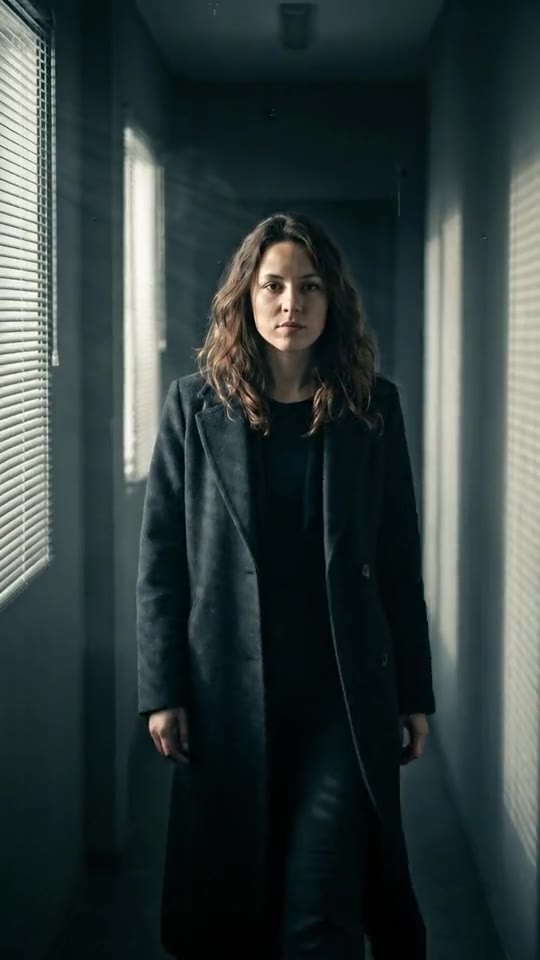 7 creditsMain CharacterSlow-mo hallway entrance, movie grade
 6 creditsMoney RainLuxury slow-mo, cash falling around you
 6 creditsFan MeetingIdol fansign moment, soft and cute
 6 creditsYearbook '97Your retro yearbook photo comes alive
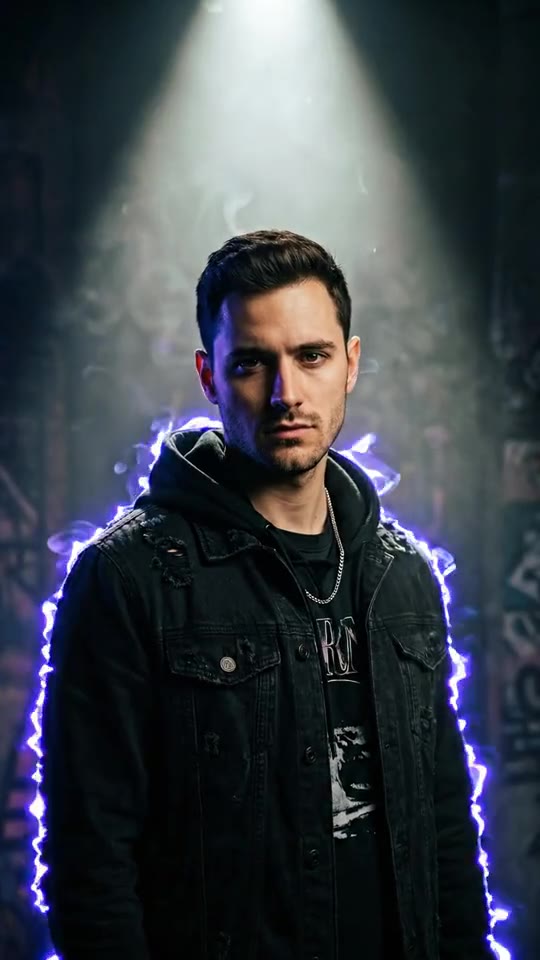 7 creditsAlbum CoverMoody cover-shoot, smoke and neon
 3 credits
 Starts from one photo.Silent FilmA 1920s black-and-white movie with you as the star
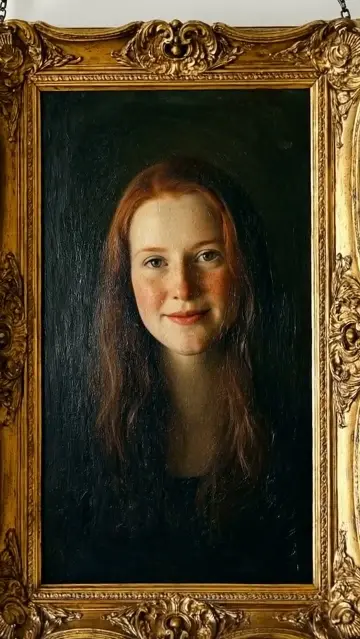 3 credits
 Starts from one photo.Oil Painting AliveYou as a museum oil painting that comes to life
How to make a Summer Haze video
- 1
Open the Summer Haze template
Sign in to Viralance and open Summer Haze from Templates. The preview shows an example result.
- 2
Upload a photo of yourself
A clear, well-lit photo with your face visible works best. Only upload photos of yourself or of people who agreed to it.
- 3
Scene staging
An image edit places your subject into the Summer Haze scene (2 credits).
- 4
Review model, length and cost
The default is PixVerse V6, 5s at 720p. Under Customize you can switch model, duration or resolution and the total cost updates before anything is charged.
- 5
Generate and download
Credits are charged when you generate. The finished video appears in My Videos, where you can download it.
Questions
How much does the Summer Haze template cost?
6 credits with the default settings: 2 credits for the scene edit plus 4 credits for the 5-second PixVerse V6 video. Choosing a different model, duration or resolution changes the price, and the dialog shows the total before you generate. Failed generations are refunded in credits.
What kind of photo should I upload?
A clear, well-lit photo with your face visible works best. Only upload photos of yourself or of people who agreed to it.
Will my video look exactly like the preview?
No. The preview is a real output of this template on an AI-generated sample photo. Your result depends on your photo, and each generation varies.