Weird5 credits
Pet Podcast AI Video Template
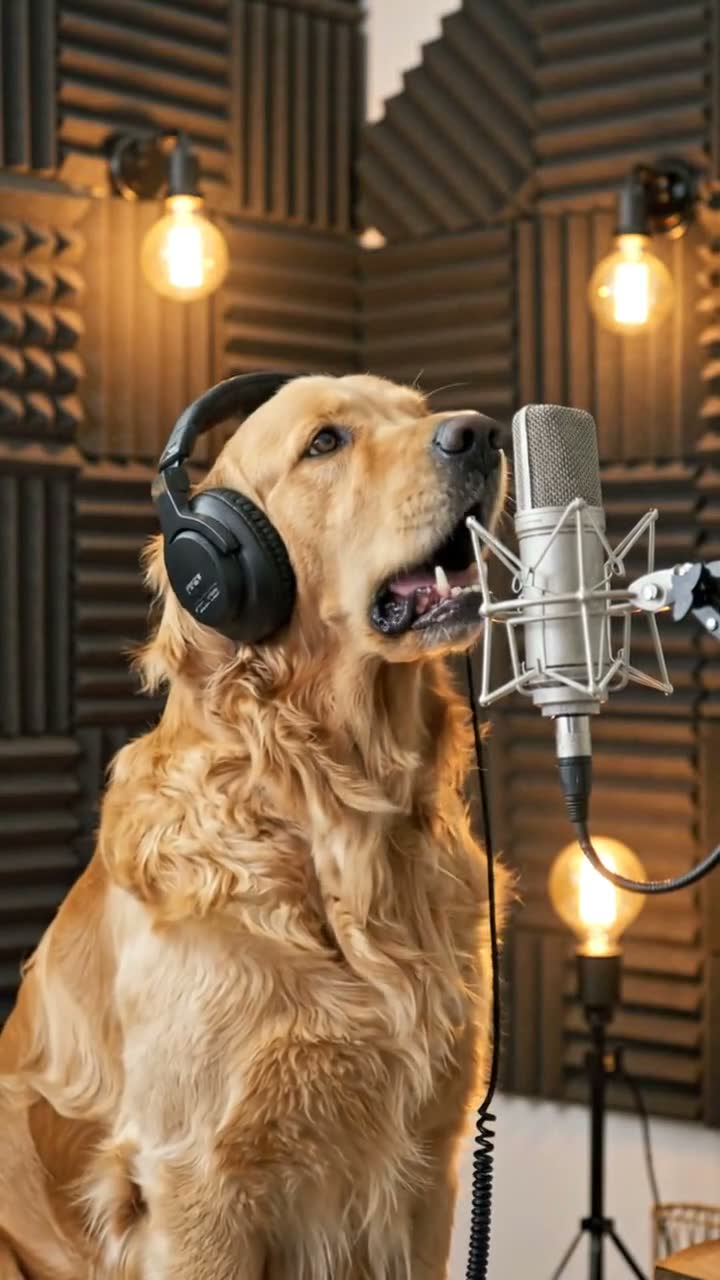
Example output on an AI-generated sample photo.
Your pet hosts a podcast and has opinions. Viralance animates a photo of your pet directly with VEO 3.1 Lite into a 8-second 720p vertical (9:16) video with generated sound. It costs 5 credits with the default settings, and you don't need to write a prompt.
Made with VEO 3.1 Lite · VEO 3.1 model guide
- Cost
- 5 credits
- Model
- VEO 3.1 Lite
- Length
- 8s · 720p
- Format
- 9:16 · sound
What to upload
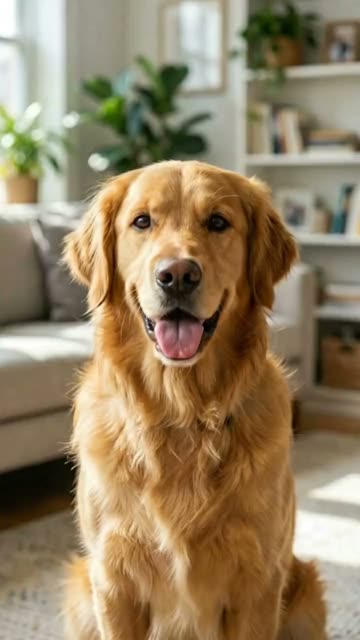
One photo: a photo of your pet.
A clear, well-lit photo of your pet with its face visible works best.
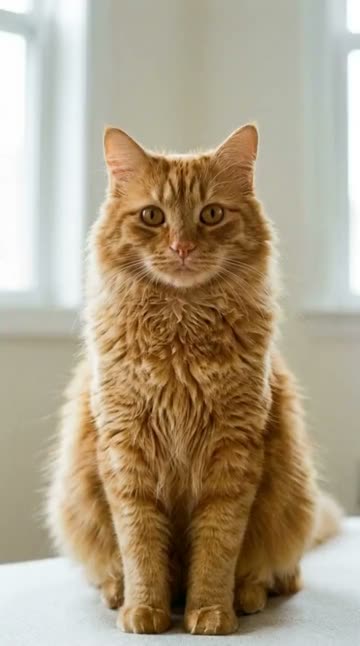
Left: the sample photo this preview started from.
Before → after
Drag to compare. Arrow keys work too.
More like this
More weird templates. See all
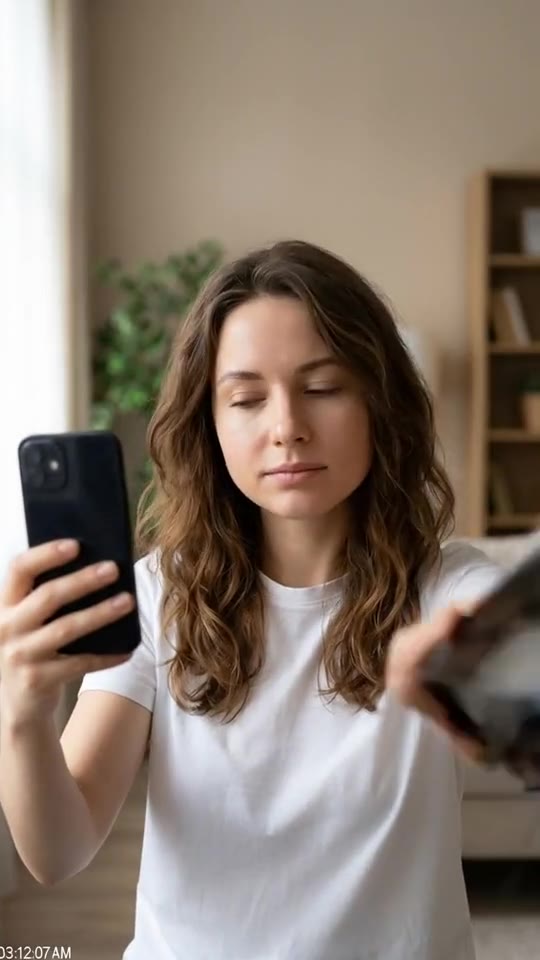 3 credits
 Starts from one photo.CCTV Night ShiftGrainy security tape, something is off
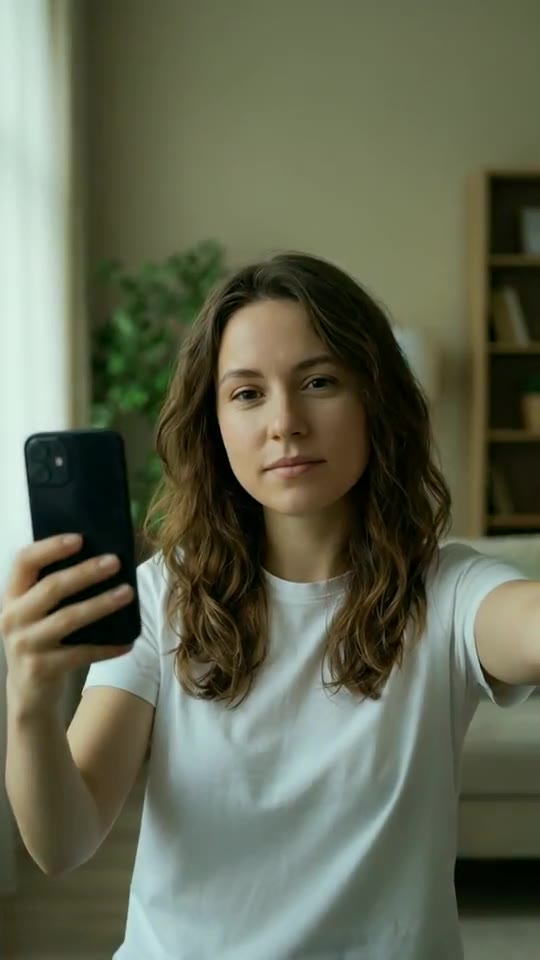 3 credits
 Starts from one photo.Night VisionGreen-tinted camera finds you in the dark
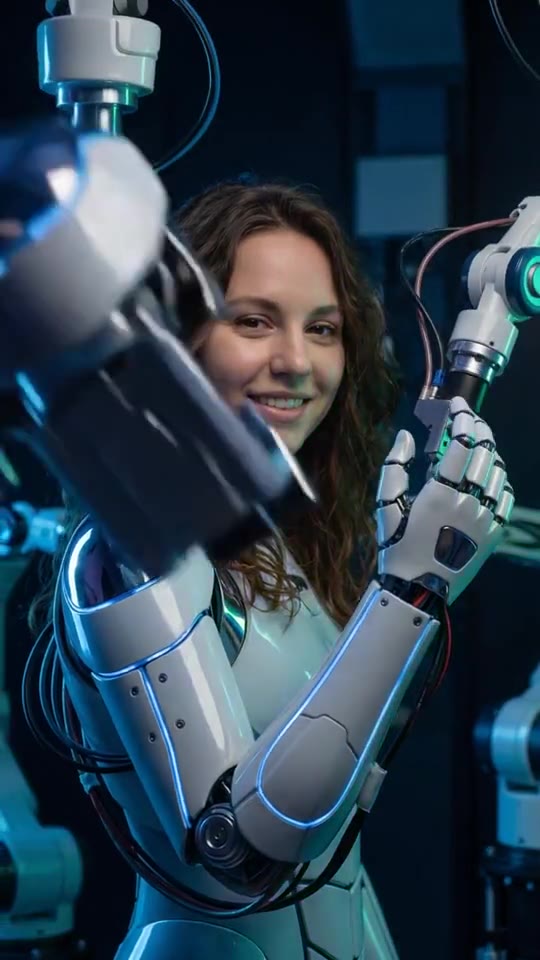 6 creditsAndroid AssemblyRobot parts snap together — you boot up
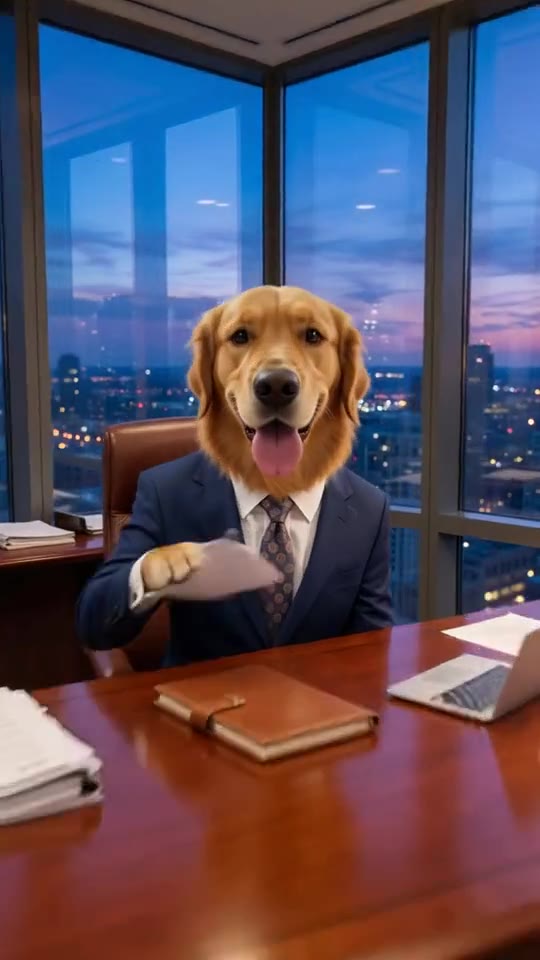 6 creditsBoss PetCEO energy, four legs
 3 credits
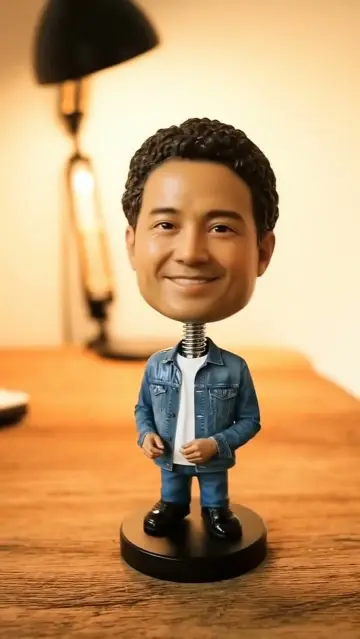
 Starts from one photo.Bobblehead MeYou as a desk bobblehead: tap it and it wobbles
 3 credits
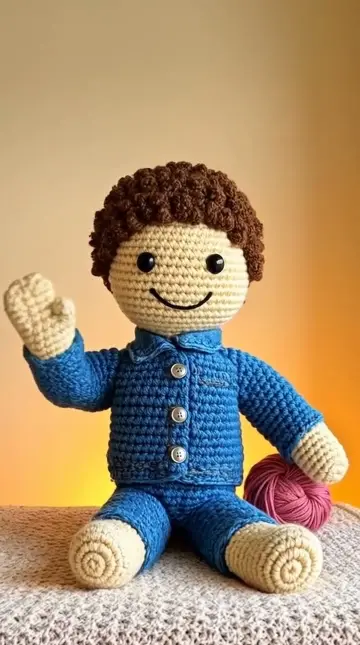
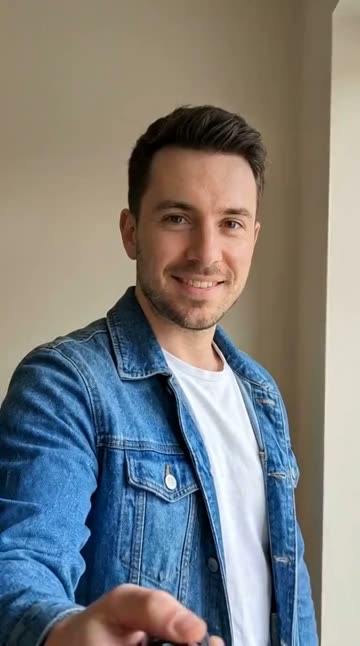 Starts from one photo.Crochet MeYarn wraps around you and you become a crochet doll
 8 credits
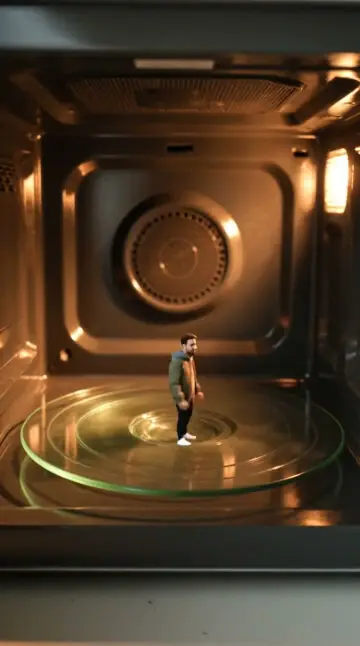
 Starts from one photo.Microwave SpinThe deadpan microwave-spin meme, starring you
 8 credits
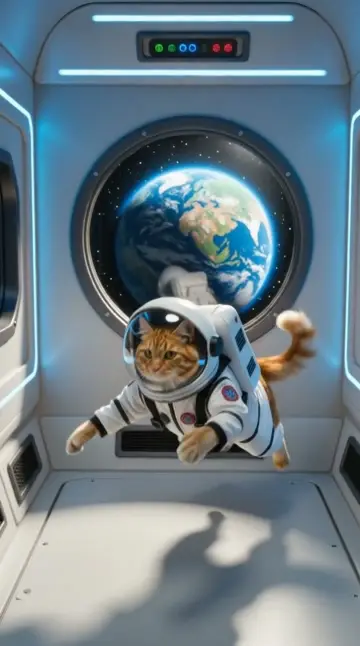
 Starts from one photo.Space PetYour pet floats in zero gravity in an astronaut suit
How to make a Pet Podcast video
- 1
Open the Pet Podcast template
Sign in to Viralance and open Pet Podcast from Templates. The preview shows an example result.
- 2
Upload a photo of your pet
A clear, well-lit photo of your pet with its face visible works best.
- 3
Review model, length and cost
The default is VEO 3.1 Lite, 8s at 720p. Under Customize you can switch model, duration or resolution and the total cost updates before anything is charged.
- 4
Generate and download
Credits are charged when you generate. The finished video appears in My Videos, where you can download it.
Questions
How much does the Pet Podcast template cost?
5 credits with the default settings (one 8-second VEO 3.1 Lite video at 720p). Choosing a different model, duration or resolution changes the price, and the dialog shows the total before you generate. Failed generations are refunded in credits.
What kind of photo should I upload?
A clear, well-lit photo of your pet with its face visible works best.
Will my video look exactly like the preview?
No. The preview is a real output of this template on an AI-generated sample photo. Your result depends on your photo, and each generation varies.