Viralance
ExploreModelsTemplatesPricing
UGC adsText to videoImage to videoCreator programAPIBlogFAQiPhone app
Sign inStart freeGet started free
ExploreModelsTemplatesPricingUGC adsText to videoImage to videoCreator programAPIBlogFAQ
Sign inDownload on theApp Store
  1. Home
  2. Templates
  3. Drift King

Action·5 credits

Drift King AI Video Template

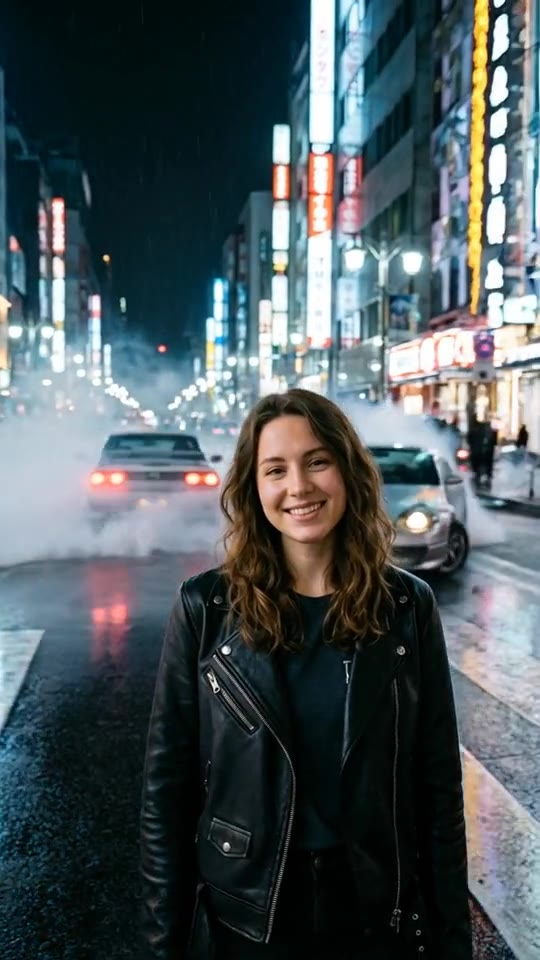
Example output on an AI-generated sample photo.

Tokyo night, cars drifting around you. Viralance first restyles a photo of yourself into the scene with an image edit, then animates it with Hailuo 2.3 into a 6-second 720p vertical (9:16) video. It costs 5 credits with the default settings, and you don't need to write a prompt.

Made with Hailuo 2.3 · Hailuo 2.3 model guide

Cost
5 credits
Model
Hailuo 2.3
Length
6s · 720p
Format
9:16

2 credits for the scene edit + 3 credits for the video.

Use the Drift King template

Opens the template in your dashboard. Nothing is charged until you generate.

What to upload

One photo: a photo of yourself.

A clear, well-lit photo with your face visible works best. Only upload photos of yourself or of people who agreed to it.

Your photo is first restyled into the scene, then animated.

More like this

More action templates. See all
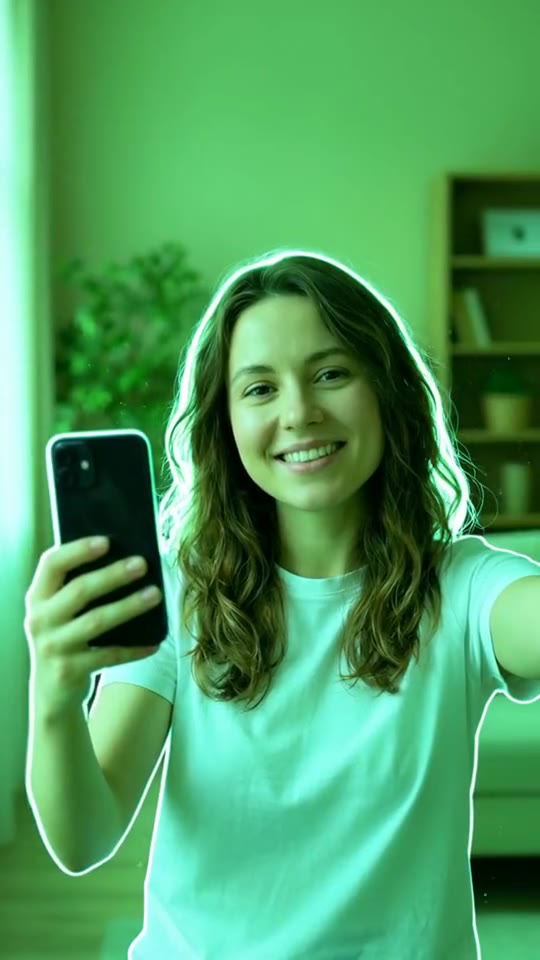
  • 3 creditsUse template Starts from one photo.Bullet TimeMatrix-style frozen orbit around you
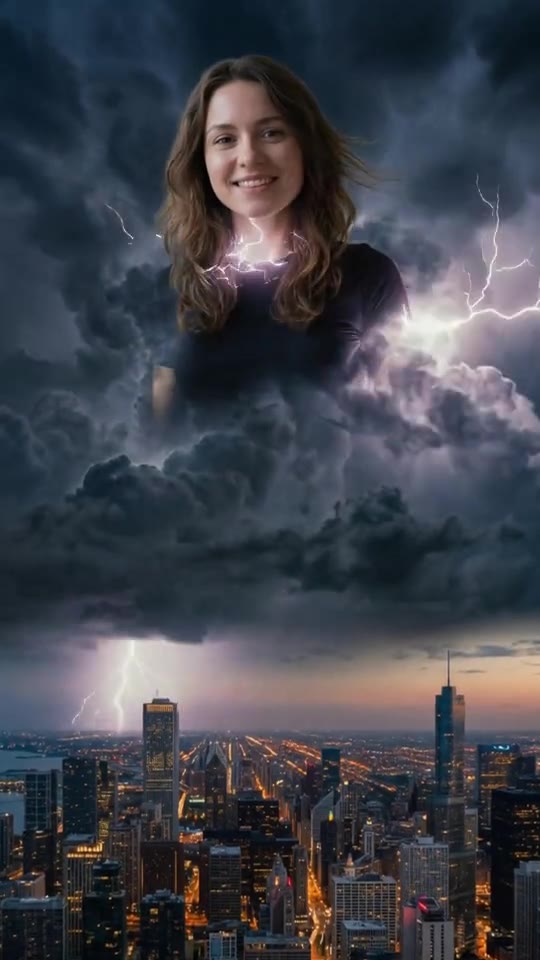
  • 8 creditsUse template Storm GiantYou emerge colossal from the clouds
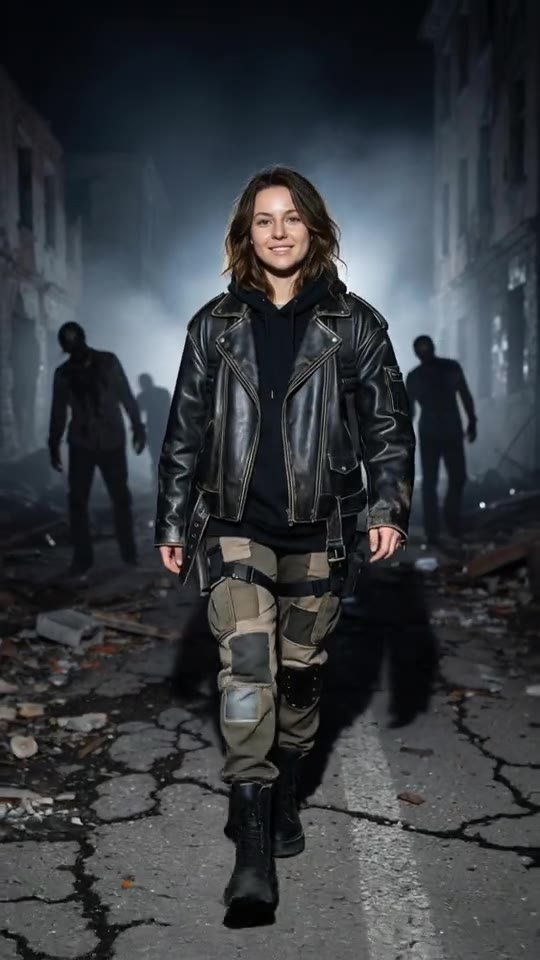
  • 8 creditsUse template Zombie RunwayRunway walk through the apocalypse
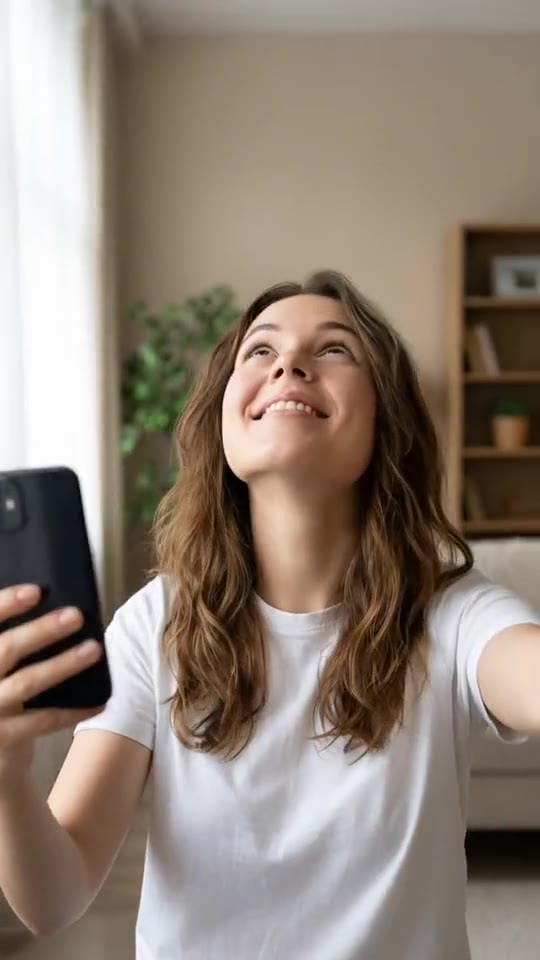
  • 3 creditsUse template Starts from one photo.Earth ZoomFrom your face to outer space
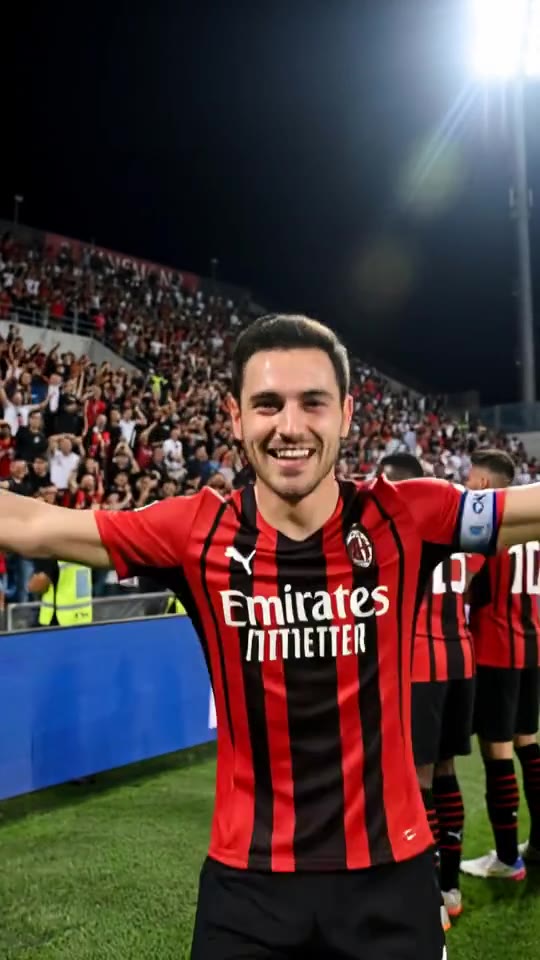
  • 8 creditsUse template GolazoLast-minute screamer, stadium erupts
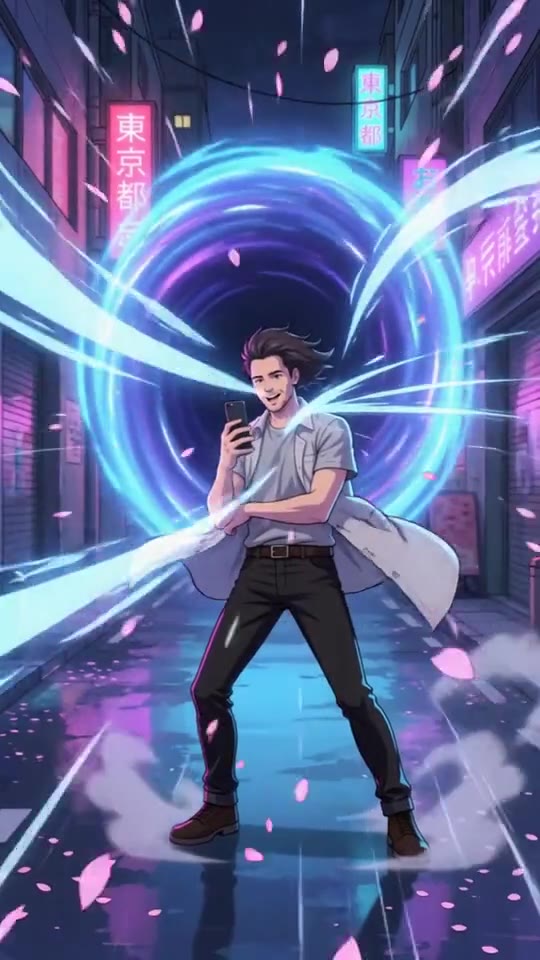
  • 6 creditsUse template Anime PortalYou get pulled into an anime world

How to make a Drift King video

  1. 1

    Open the Drift King template

    Sign in to Viralance and open Drift King from Templates. The preview shows an example result.

  2. 2

    Upload a photo of yourself

    A clear, well-lit photo with your face visible works best. Only upload photos of yourself or of people who agreed to it.

  3. 3

    Scene staging

    An image edit places your subject into the Drift King scene (2 credits).

  4. 4

    Review model, length and cost

    The default is Hailuo 2.3, 6s at 720p. Under Customize you can switch model, duration or resolution and the total cost updates before anything is charged.

  5. 5

    Generate and download

    Credits are charged when you generate. The finished video appears in My Videos, where you can download it.

Questions

How much does the Drift King template cost?

5 credits with the default settings: 2 credits for the scene edit plus 3 credits for the 6-second Hailuo 2.3 video. Choosing a different model, duration or resolution changes the price, and the dialog shows the total before you generate. Failed generations are refunded in credits.

What kind of photo should I upload?

A clear, well-lit photo with your face visible works best. Only upload photos of yourself or of people who agreed to it.

Will my video look exactly like the preview?

No. The preview is a real output of this template on an AI-generated sample photo. Your result depends on your photo, and each generation varies.

Make your Drift King video

Upload one photo and review the exact cost before you generate.

Use the Drift King templateAll templates
  • No subscription
  • Credits never expire
  • Failed generations refunded
Use the Drift King template· 5 credits

Made to stop
the scroll.

Popular

  • One-click video templates
  • AI UGC ad generator
  • Seedance vs VEO vs Kling
  • Pricing (no subscription)
  • Video generation API & MCP
  • Integrations (Zapier, Canva, MCP)
  • Higgsfield alternative
  • Arcads alternative
  • Fair Credit Promise
  • What's new (changelog)
  • Affiliate program
  • Creator program

AI video models

All modelsKlingSeedancePixVerseHailuoVEOWanKling 3.0Kling 4.0VEO 3.1Seedance 2.0Seedance 2.5Hailuo 2.3MiniMax H3PixVerse V6Wan 3.0

Free tools

All free toolsAI Hook GeneratorCaption & Hashtag GeneratorAI Video Prompt GeneratorAspect Ratio CalculatorVirality Predictor
Text-to-VideoImage-to-VideoAutopilotAI ImagesAI VoiceoverBackground RemoverReframeAuto SubtitlesImage to 3DVirality PredictorVideo ExtensionVideo RestyleVideo to AnimeLip SyncAI InfluencerLink to AdAll ModelsTemplatesAPIIntegrationsZapierCanvaAffiliatesE-commerceSocial MediaUse CasesExploreVideo examplesPricingAI video pricing dataRunway alternativeKling AI alternativeHeyGen alternativeCaptions alternativePollo AI alternativePika alternativeHailuo AI alternativeKrea alternativeinvideo AI alternativeOpenArt alternativeLeonardo.Ai alternativeVidnoz alternativeDreamina alternativeBlogAboutAll toolsAnswersVEO 3.1, Kling & Seedance in one appAI video without a subscriptionModel benchmarkReal-world generation dataHow It WorksFAQ

Auf Deutsch

  • KI-Videogenerator
  • Bild zu Video
  • Text zu Video
  • Video-Vorlagen
  • UGC-Anzeigen
  • KI-Influencer
  • Video Restyle
  • Video zu Anime
  • Kling
  • VEO 3.1
  • Seedance
  • Preise
  • Black-Friday-Vorlagen
  • Higgsfield-Alternative
  • Pollo-AI-Alternative
  • KI-Hook-Generator
  • Video-Prompt-Generator
Download on theApp Store

Viralance for iPhone: the whole studio in your pocket.

ViralanceTermsPrivacyRefundsEditorial policyContactDeutsch

© 2026 Viralance · GSAM Solution LLC, 8 The Green, Ste A, Dover, DE 19901, US