AI Video Ad Maker: Choose a Workflow for Your Product (2026)
An AI video ad maker turns a product description or photo into video footage you can evaluate for an advertisement. Viralance provides a UGC Ad Studio and individual video tools. You still need to review the generated product, wording, sound and any claims before publishing. Generating footage does not establish that an advertisement will convert.
Prepare your product brief and review the generation cost in the studio.
Plan your product adChoose the job before choosing the model
| What you need | Starting input | What to inspect |
|---|---|---|
| Product demonstration | Clear product photo and one action | Shape, label and whether the action is believable |
| Presenter introduction | A short script or product description | Delivery, pronunciation, face and hand movement |
| Faceless product shot | Product image and a simple setting | Product identity, framing and camera movement |
| Several opening ideas | One approved product concept | Whether each version changes only the intended element |
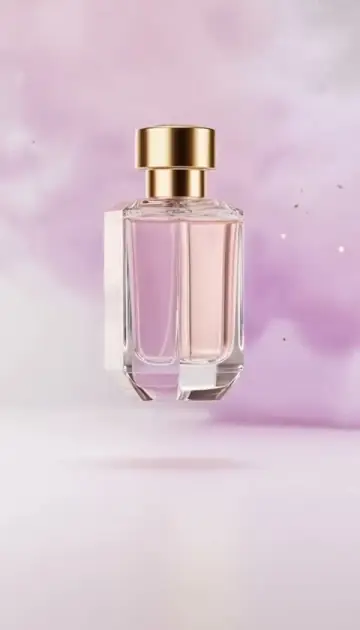
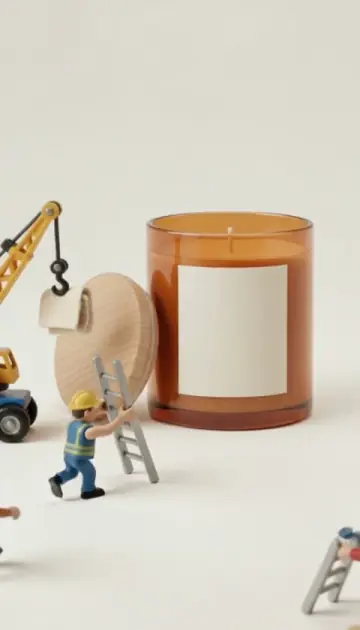
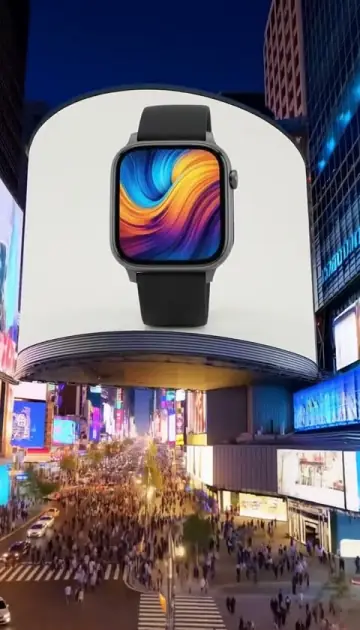
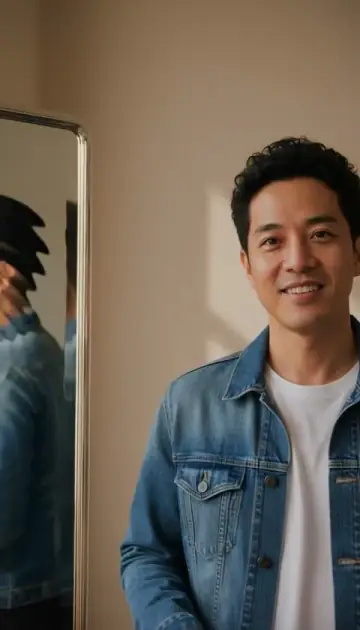
See the product-ad examples. The clips are AI-generated demonstrations, not customer testimonials. Use a format because it fits your message, rather than treating a synthetic endorsement as evidence from a real buyer. If you'd rather start from one product photo with no brief at all, the one-photo templates such as Product Hero and Unboxing Reveal apply a tuned prompt and show their cost first.
A practical first ad brief
For a reusable water bottle, a useful brief is: “Show the bottle on a desk beside a closed laptop. A hand picks it up and puts it in a bag. One continuous shot with a still camera.” It gives the model a subject, setting and action without asking it to demonstrate an unverified health or performance benefit.
Write the sales message separately: what is the product, who is it for, and what can you truthfully demonstrate? If the product's size, ingredient list or technical specification matters, verify that information yourself. AI-generated visual text is not a reliable replacement for approved packaging or legal copy.
Make the first version
- Open the UGC Ad Studio and choose a format.
- Add your product image or a description of the scene.
- Write a short hook with one concrete idea.
- Choose a supported model, duration and number of variations.
- Review the full credit total, then explicitly start generation.
- Play the result and check the product, audio and any on-screen text.
A new account's 4 starter credits do not cover every model or configuration. The photo editor, for example, currently offers a 720p, 4-second Veo Lite job for 3 credits, while an 8-second Veo Fast photo job costs 12. These are photo-editor examples, not a claim that both models appear in every studio. Compare a trial photo workflow.
What does an AI ad cost?
Viralance charges credits per submitted job. The selected tool displays the cost before you generate. Duration, model, resolution and the number of versions affect the total. In the UGC Ad Studio, for example, one 5-second Seedance 2.0 clip at 720p is 12 credits, a 5-second Kling 3.0 Pro clip is 10, and a photo-started VEO 3.1 Fast clip (8 seconds only) is 12; up to three variations can be generated at once, each charged separately. At pack rates, 12 credits is about $3.60 on the $9 Mini pack and about $2.20 on the $299 Business pack. Processing time also varies; there is no guaranteed 60-second delivery.
The smallest current web pack is 30 credits for $9. Compare current packs when you know what you want to make. Packs are one-time, with no subscription. A first purchase within 24 hours of signup adds a 5–15% bonus depending on the pack; after that, returning customers get +10% on every pack.
Test an idea without changing everything
Save your first useful result. Then change only the opening, setting or camera instruction in the next draft. If you change the script, model, length and audience at once, you cannot tell which change affected the result. The video library's new-opening action prepares a draft for supported saved jobs; it does not spend credits until you generate.
Measure the advertisement using your actual campaign results. A downloaded video is a completed asset, not evidence of sales. Viralance does not publish or schedule ads; upload the file to your ad platform yourself. Viralance's virality analysis can provide creative feedback, but its score does not guarantee reach or revenue.
Frequently asked questions
Can I make an ad from one product photo?
Yes, using a supported image-to-video workflow. Small labels, hidden surfaces and precise product actions can change, so review the generated clip.
Can I use the result commercially?
Review the terms, the selected model's applicable conditions and your rights to the source image, likeness, music and brand. A generation tool cannot grant rights to someone else's inputs or substantiate advertising claims.
Should I start with several versions?
Start with one if you are still testing the input or product fidelity. Multiple versions are separate jobs and add to the credit total.
Where is the detailed production checklist?
Use the step-by-step UGC ad guide, or open the UGC Ad Studio when you have a clear product and first scene.