AI Spokesperson Video Generator: Create Talking Videos with AI (2026)
Choose your settings and review the credit cost before generating.
Create your first videoAI spokesperson clips work best as short hooks: one sentence, one presenter, one camera angle. The longer the script and the more the same face has to reappear, the more a dedicated avatar tool or a real recording makes sense. This guide covers how to fit a script into a clip, which Viralance models handle speech, what it costs, and the rules for AI presenters in ads.
Two ways to get a talking presenter on Viralance
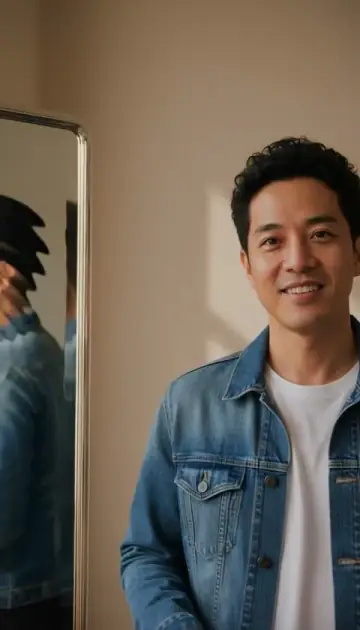
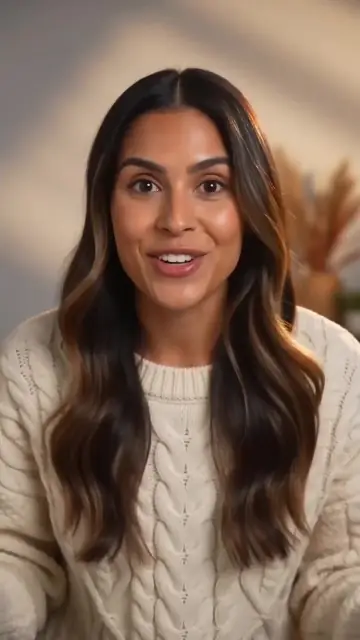
1. Generate the presenter and the speech together. Models with native audio can generate a person saying a line you write in the prompt. Seedance 2.0 and Happy Horse 1.1 are listed with lip sync; VEO 3.1 and Kling 3.0 also generate audio.
2. Put your own audio on an existing clip. Generate or record a video of the presenter, create the voice track with AI Voiceover (1 credit per 500 characters, minimum 2), then use Lip Sync / Dub in the edit tools to swap the audio and re-sync the lips. Lip Sync costs 1 credit per second of video with a 10-credit minimum, for clips up to 30 seconds. It's also how you dub one clip into another language.
Which model for talking clips
Figures are from the live Viralance catalog (September 2026). Credits cost $0.30 each on Mini and about $0.18 on Business.
| Model | Durations | Credits (text-to-video) | Notes |
|---|---|---|---|
| Seedance 2.0 | 5, 10, 15s | 12 / 24 / 36 at 720p (10 / 20 / 30 at 480p) | Listed for lip sync; the UGC studio's default for talking ads |
| Happy Horse 1.1 | 5, 8, 10s | 8 / 12 / 15 at 720p | Native audio and lip sync, lower price |
| VEO 3.1 Fast | 4, 6, 8s | 6 / 8 / 12 at 720p | Clean all-rounder with audio |
| VEO 3.1 Lite | 4, 6, 8s | 3 / 4 / 5 at 720p | Cheapest way to test a line with audio |
| Kling 3.0 Pro | 5, 10, 15s | 10 / 18 / 28 at 1080p | Multi-language audio, cinematic look |
| Seedance 2.5 | 5, 10, 15, 30s | 24 / 47 / 71 / 142 at 720p | The only single take up to 30s |
The face rule. Seedance rejects image-to-video jobs that start from a photo of a realistic human face (ByteDance's deepfake safeguard); text-to-video isn't affected. If you want to animate a presenter photo, use Kling, VEO 3.1, PixVerse V6 or Hailuo 2.3 instead. Failed jobs are refunded automatically.
Fit the script to the clip
People speak at roughly 2–3 words per second in a natural delivery. Use that as a budget:
| Clip length | Words that fit comfortably | Example |
|---|---|---|
| 5s | 10–12 | "I stopped paying for three apps once I found this one." |
| 8s | 18–20 | A hook plus one reason |
| 10s | 22–25 | Hook, reason, short call to action |
| 15s | 35–38 | A mini pitch |
If the line is longer than the clip, the model rushes, cuts off or skips words. Shorten the script before you pay for a longer clip.
Prompt template for a spokesperson clip
A friendly woman in her thirties sits at a kitchen table, looking directly into the camera, and says: "I stopped paying for three apps once I found this one." Natural daylight from a window, handheld selfie framing, eye level, relaxed and conversational tone. Vertical 9:16. No on-screen text.
- Put the exact line in quotation marks after "says".
- Describe one person, one setting, one camera angle. Movement and cuts make lip sync harder.
- Describe the delivery (friendly, calm, excited) rather than the voice's technical properties.
- Say "no on-screen text"; models often add garbled captions otherwise. Add real captions with Auto Subtitles (3 credits).
Keeping the same presenter across several clips
Text-to-video creates a new person each time, even with the same description. For a recurring presenter:
- Generate a fictional presenter image in Create Image and keep it.
- Animate that image with image-to-video on Kling 3.0 or VEO 3.1 (not Seedance, because of the face rule), writing a new line each time.
- Check that the face, hair and clothing match between clips before publishing them together.
Expect some drift. If exact consistency across dozens of videos matters, a dedicated avatar platform is built for that.
Cost example: three hook variations
Three versions of an opening line on Seedance 2.0, 5 seconds, 720p: 3 × 12 = 36 credits ($10.80 on Mini, $6.52 on Business). Test the same three lines first on VEO 3.1 Lite at 4 seconds (3 × 3 = 9 credits) to catch script problems cheaply.
If the spokesperson clip is for a product ad, the UGC studio builds talking formats (testimonial, tutorial, GRWM, problem → solution) from a product photo and a persona; the UGC ads page walks through them. For a product clip with no presenter at all, a one-photo template such as Product Hero or Unboxing Reveal is quicker, and the template gallery lists the rest.
Rules for AI spokespeople in marketing
- An AI presenter isn't a customer. The US FTC's rule on reviews and testimonials, in effect since October 21, 2024, prohibits testimonials that misrepresent that they come from someone who doesn't exist, such as AI-generated fake reviews, or from someone without actual experience of the product (FTC). An AI presenter can explain or demonstrate a product, but shouldn't pose as a real buyer.
- Label realistic AI video where the platform requires it: TikTok (TikTok Support), YouTube (YouTube Help) and Instagram/Facebook (Meta) all ask for disclosure of realistic synthetic people.
- Never clone a real person without their permission. Viralance blocks prompts that depict named public figures, and Lip Sync asks you to confirm consent before it runs.
When to use a dedicated avatar platform instead
Viralance generates short clips with a new or image-anchored presenter. For long, scripted presenter videos, such as training modules, multi-minute explainers or the same avatar across hundreds of videos in many languages, tools built around reusable avatars are a better fit. As of September 2026, Synthesia advertises 240+ AI avatars and 160+ languages, and HeyGen advertises 175+ languages and dialects with lip sync. For a detailed comparison, see Viralance vs HeyGen.
Frequently asked questions
Can the AI lip-sync to my script? Yes, for short lines. Put the line in quotes in a Seedance 2.0 or Happy Horse 1.1 prompt, or add your own audio to a clip with Lip Sync / Dub.
How long can one spokesperson clip be? Up to 15 seconds on most talking models, 30 seconds on Seedance 2.5 (142 credits at 720p). For longer scripts, generate several clips and edit them together.
Can I use my own voice? Yes. Record or generate the audio, then use Lip Sync / Dub to put it on a clip (1 credit per second, 10-credit minimum).
Do I own the videos? Viralance's terms state you keep ownership of what you generate. You're responsible for the rights to uploaded images and audio, and for the claims your presenter makes.
Keep going
- How do I make AI UGC video ads?
- Should I use native audio or a voiceover?
- How do I make videos without a presenter?
Test a line first. Open a 4-second VEO 3.1 Lite draft, put your line in quotes, and check the cost before generating.