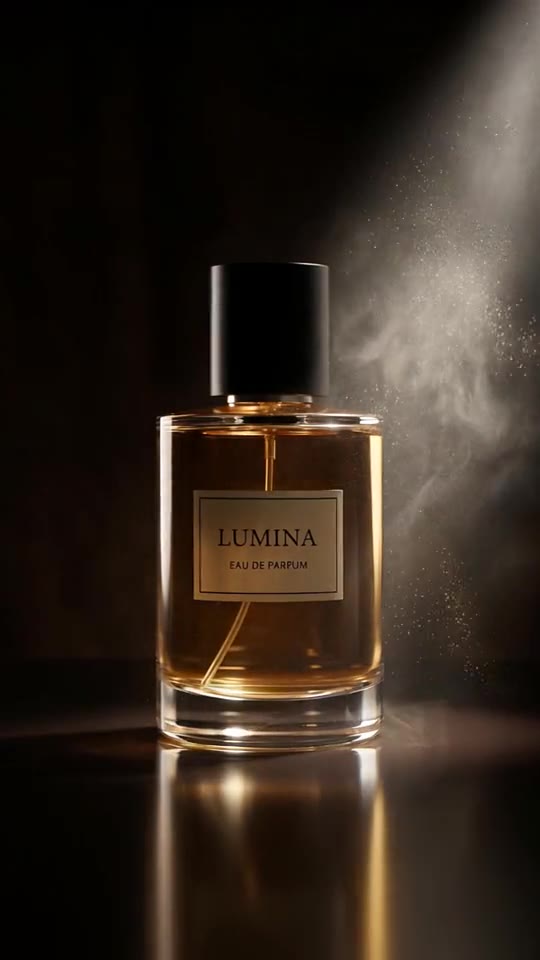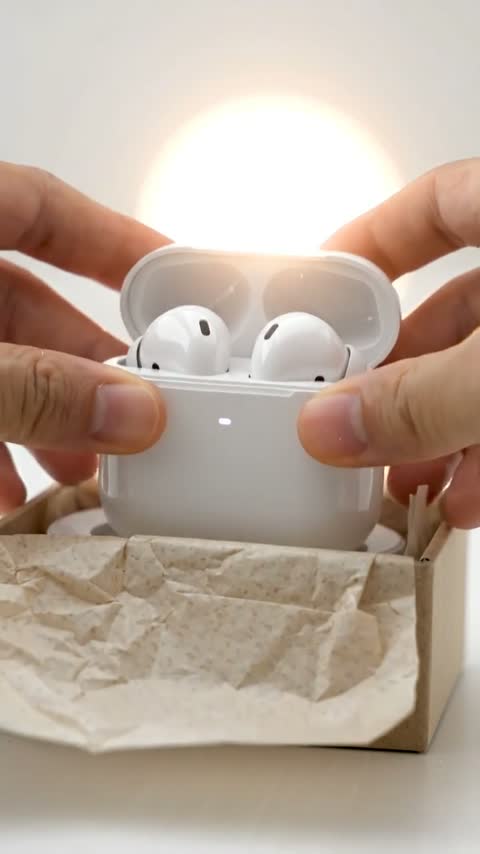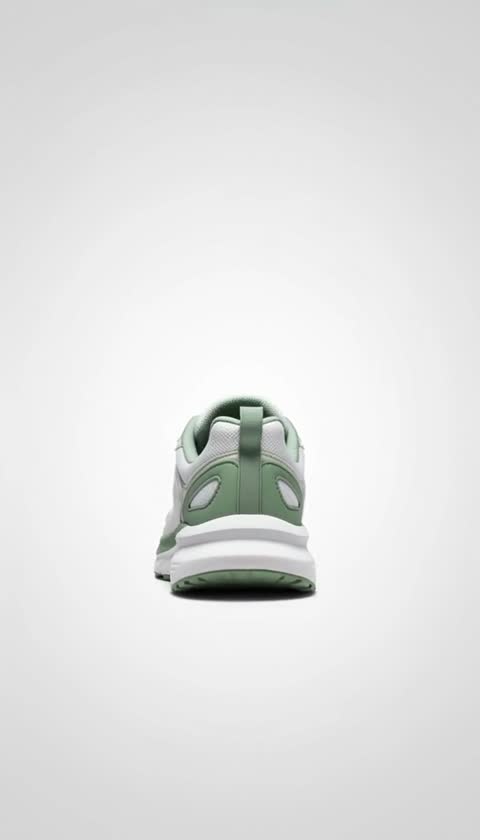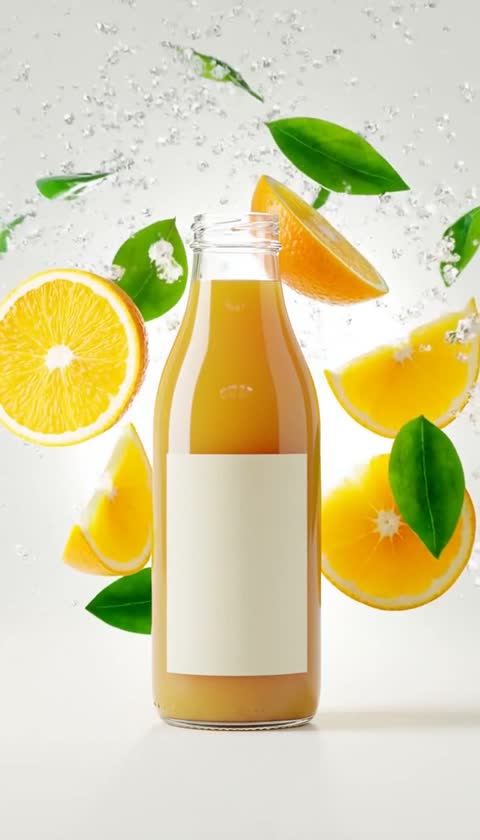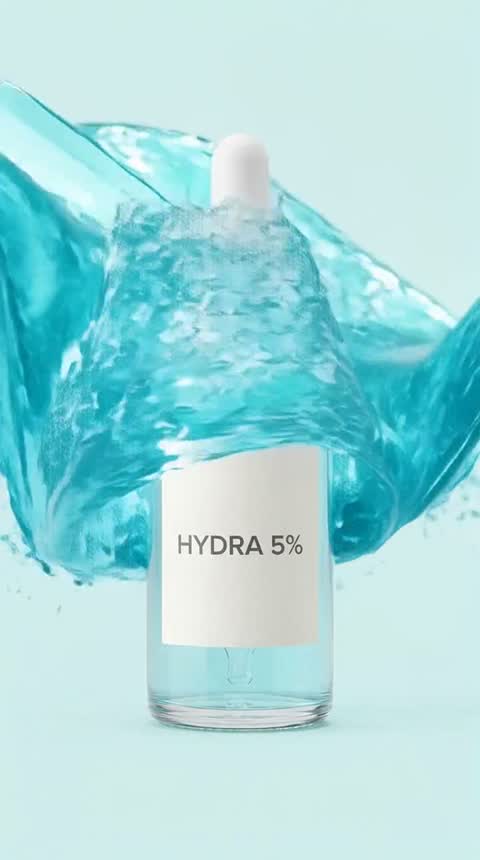
Example output on an AI-generated sample photo.
Product ads template · All AI ad templates
Wave Crash AI Video Template
A crystal-clear wave curls and crashes over your product. Viralance animates a product photo directly with Hailuo 2.3 into a 6-second 720p vertical (9:16) video. Works best for serums, water bottles, sunscreen and drinks. It costs 3 credits with the default settings, and you don't need to write a prompt.
- Cost
- 3 credits
- Model
- Hailuo 2.3
- Length
- 6s · 720p
- Format
- 9:16
Opens the template in your dashboard. Nothing is charged until you generate.
How to make a Wave Crash video
- Step 1
Open the Wave Crash template
Sign in to Viralance and open Wave Crash from Templates. The preview shows an example result.
- Step 2
Upload a product photo
A clean photo of the product on a simple background works best, with the product fully in frame.
- Step 3
Review model, length and cost
The default is Hailuo 2.3, 6s at 720p. Under Customize you can switch model, duration or resolution and the total cost updates before anything is charged.
- Step 4
Generate and download
Credits are charged when you generate. The finished video appears in My Videos, where you can download it.
Questions
How much does the Wave Crash template cost?
3 credits with the default settings (one 6-second Hailuo 2.3 video at 720p). Choosing a different model, duration or resolution changes the price, and the dialog shows the total before you generate. Failed generations are refunded in credits.
What kind of photo should I upload?
A clean photo of the product on a simple background works best, with the product fully in frame.
Will my video look exactly like the preview?
No. The preview is a real output of this template on an AI-generated sample photo. Your result depends on your photo, and each generation varies.