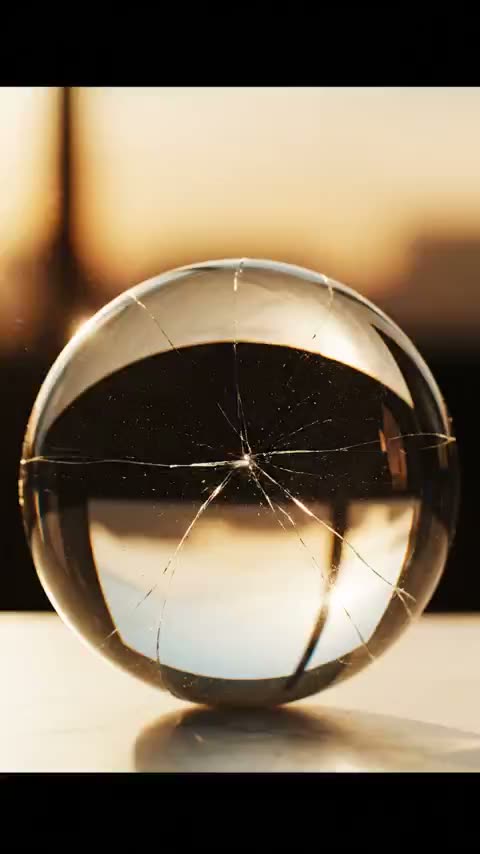
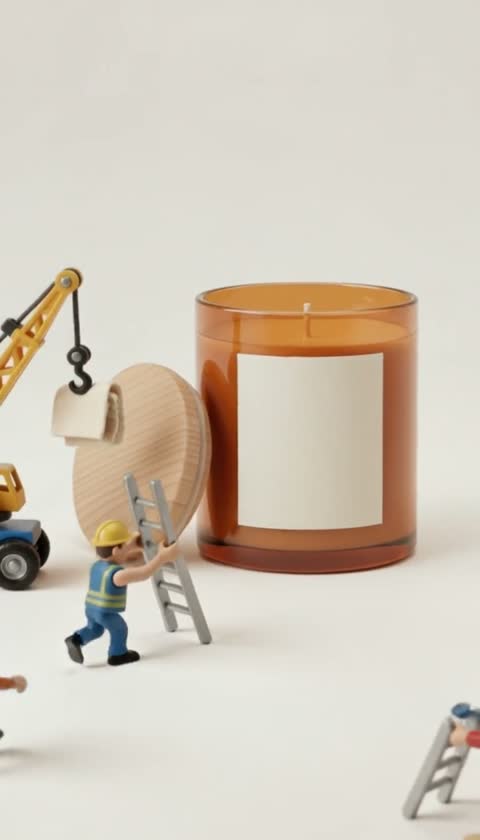
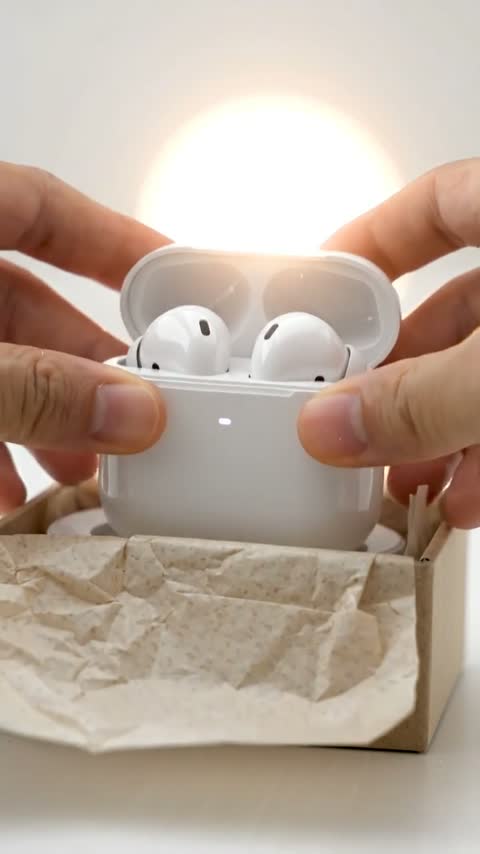
How to Generate AI Images for TikTok & Reels (2026)
Choose your settings and review the credit cost before generating.
Create your first videoTo make an AI image, you type a description and an AI model generates a finished picture — no camera, stock photos, or Photoshop required. This guide walks through the exact workflow for creating scroll-stopping images for TikTok, Reels, Shorts, ads, and thumbnails.
What you need to generate AI images
Just two things:
- An idea described in a sentence
- An AI image generator like Viralance, which gives you Google, OpenAI, xAI and ByteDance models in one place
No equipment, no design software, no stock subscriptions.
The 4-step workflow
Step 1: Pick the right model
Each model is good at something different:
- Nano Banana (Google) — realistic, budget-friendly, the best default
- Nano Banana Pro (Google) — ultimate quality, text and diagrams, up to 4K
- GPT Image (OpenAI) — best text rendering, logos, and precise editing
- Grok Imagine (xAI) — expressive, high-contrast, good for cheap tests
- Seedream 5.0 Pro (ByteDance) — detailed scenes and sharp text, up to 2K
- GPT Image 2.5 Flare (OpenAI) — revise a visual with up to three reference images, up to 1024px
Step 2: Choose your aspect ratio
For short-form content, vertical 9:16 is the default (TikTok, Reels, Shorts). Use 1:1 for feed posts, 16:9 for YouTube thumbnails and banners, and 4:5 for Instagram portrait.
Step 3: Write a specific prompt
A strong image prompt describes five things:
- Subject — who or what is in frame
- Setting — the background or environment
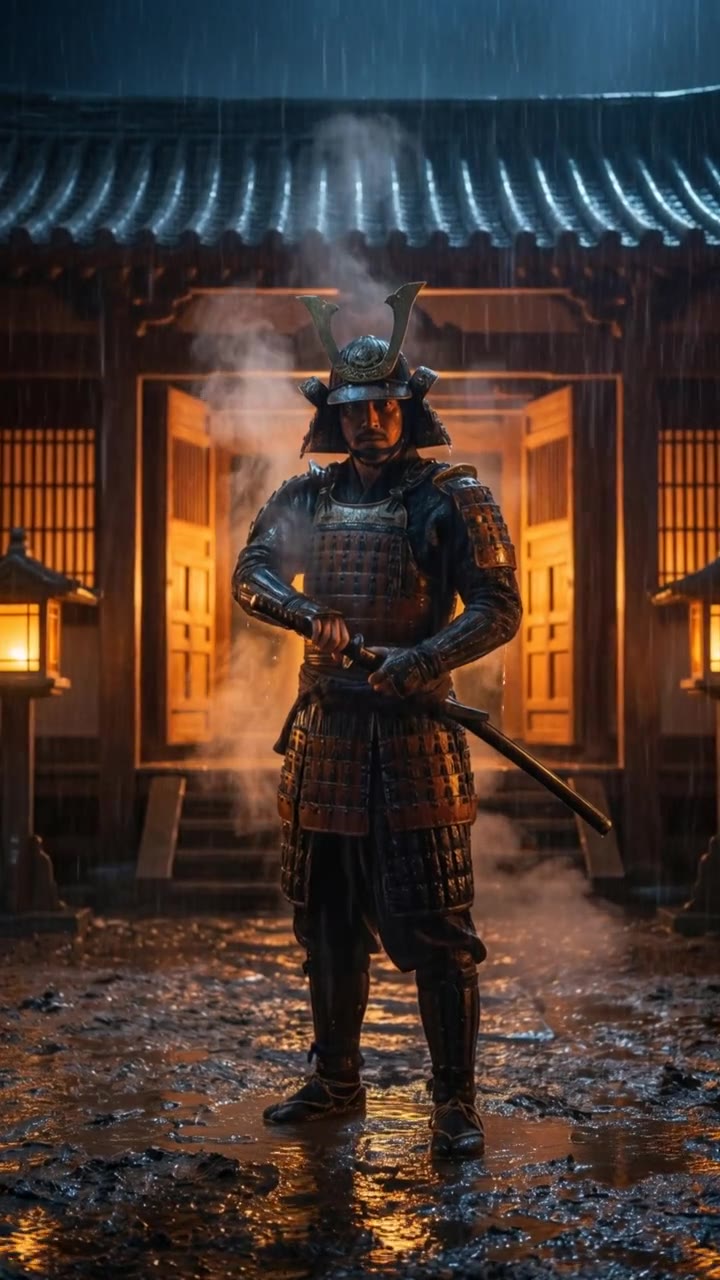
- Lighting — direction, quality, color (golden rim light, soft window light)
- Style — photorealistic, cinematic, 3D, anime, product-shot
- Technical — vertical 9:16, shallow depth of field, color grade
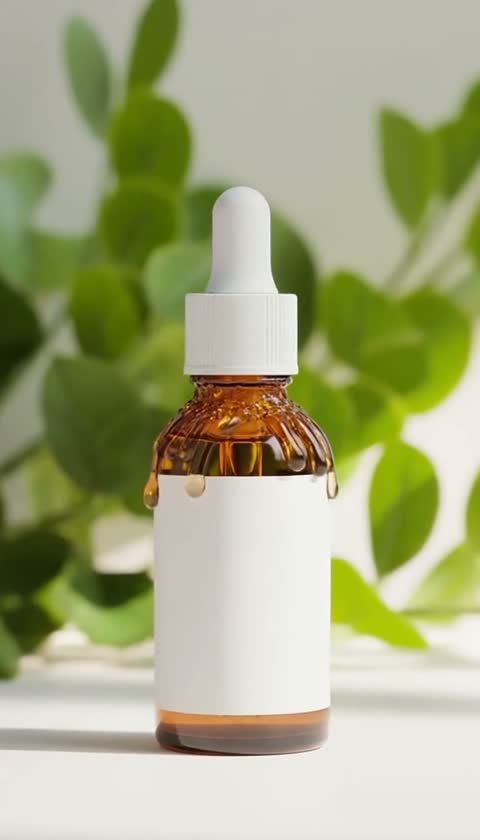
Example: "A glossy perfume bottle on wet black marble, golden rim light, premium commercial product shot, shallow depth of field, vertical 9:16."
Step 4: Generate, download, post (or animate)
Check the credit cost, hit generate, and your image appears in My Photos when it is ready. Download it, post it — or click Animate to Video to turn it into a short clip.
What makes an AI image scroll-stopping
- One clear subject. Crowded prompts confuse the model.
- Strong lighting. Rim light, golden hour, or dramatic shadows add instant production value.
- Native vertical framing for short-form feeds.
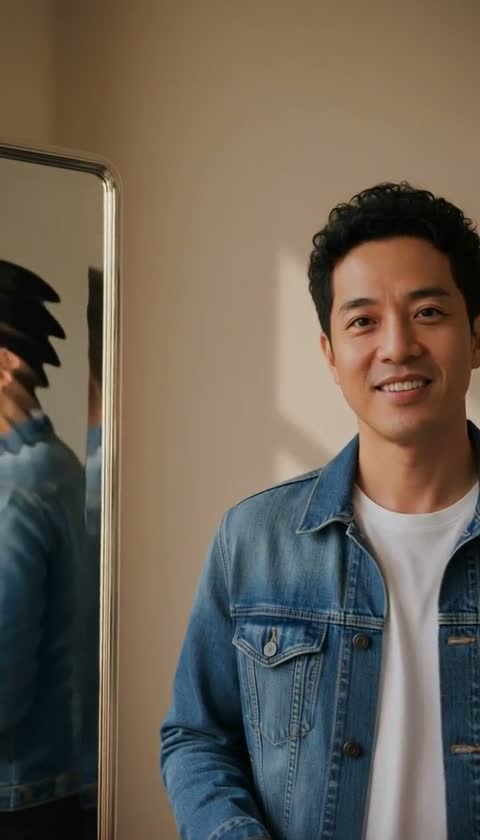
- Specific, not generic. "A cat" is weak; "a fluffy orange cat on a sunlit windowsill, warm light, 9:16" is strong.
- Text only when needed — use GPT Image or Nano Banana Pro when the image must contain readable words or a logo, and proofread the result.
How much does it cost to generate an AI image?
On Viralance, images are priced in credits (checked September 26, 2026):
- Nano Banana — 1 credit
- Grok Imagine — 1 credit
- Seedream 5.0 Pro — 1 credit
- GPT Image — 1 credit at low or medium quality, 2 at high
- GPT Image 2.5 Flare — 2 credits
- Nano Banana Pro — 2 credits at 1K or 2K, 4 at 4K
A credit costs $0.30 on the Mini pack ($9 for 30 credits) and about $0.18 on the Business pack ($299 for 1,650), so a 1-credit image costs 18–30 cents. Credits are one-time purchases with no subscription and they do not expire. New accounts get 4 free credits after email verification — up to four 1-credit images.
Frequently asked questions
Do I need design skills to make AI images? No. You describe what you want in plain language and the AI renders it. Tools like Viralance handle the rest.
Which AI image model is best for beginners? Nano Banana is a good starting point — realistic and 1 credit per image. Use GPT Image when you need readable text or logos.
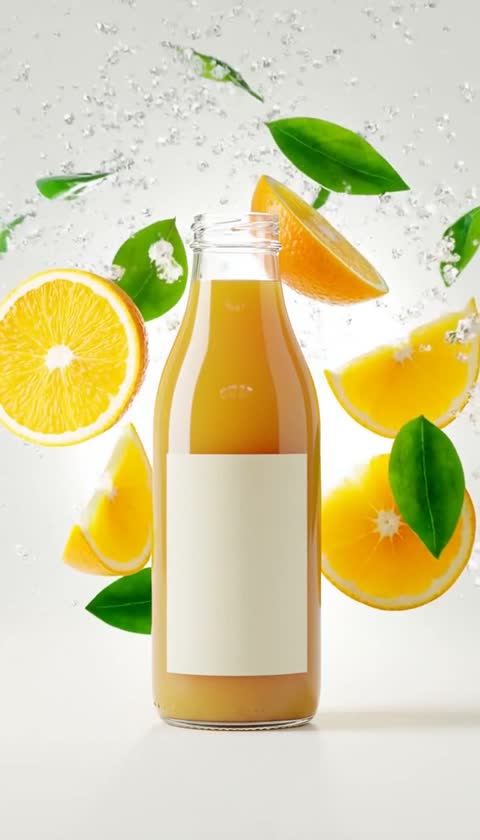
Can I make images with my own product? Yes — describe your product in the prompt, or use image-to-image mode with a photo of your product (Seedream 5.0 Pro edit, or GPT Image 2.5 Flare with up to three references). Check labels and proportions in the result. To animate a product shot, use Animate to Video.
Can I turn an AI image into a video? Yes. Every image in My Photos has an Animate to Video button that sends it straight to the video creator in image-to-video mode.
Keep going — related questions
- Which is the best AI image model — Nano Banana, GPT Image, Grok or Seedream?
- How do I animate a photo into a video with AI?
- How do I make AI videos from scratch?
Generate your first AI image now. Open Viralance, pick a model, and create a post-ready image — then animate it into a video.