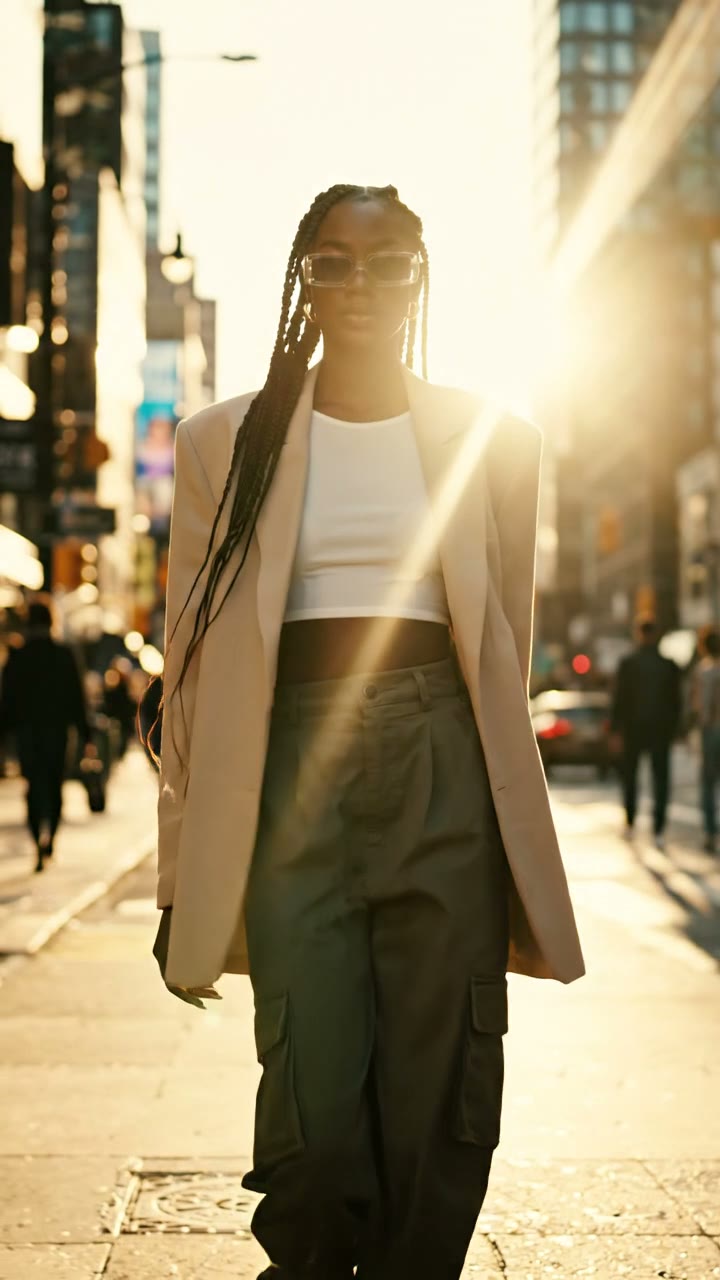
How to Make AI TikTok Videos: Plan, Generate, Review and Publish
AI can help make footage for a TikTok video, but it cannot guarantee distribution, views or sales. Start with an audience and a single message, create a short visual that supports it, then review and publish the finished clip yourself.
Choose your settings and review the credit cost before generating.
Create your first videoWrite the brief before the prompt
For a product video, fill in these four lines:
- Audience: who needs this product or idea?
- Message: what should they understand after watching?
- Visual proof: what can the footage honestly show?
- Next step: what should an interested viewer do?
Example brief: “People organising a small desk; show the size and placement of a cable holder; use an accurate product photo; invite viewers to check dimensions on the product page.” This is an example, not a tested campaign.
Do not generate fictional product performance and present it as a demonstration. If you need to prove how well something works, use footage or evidence of the actual product.
Make one clear shot
Open a short video draft. Choose a vertical aspect ratio in the settings when it suits the intended placement, then check the credit cost. At the time of writing, a 4-second 720p VEO 3.1 Lite clip costs 3 credits (about $0.90 on the $9 Mini pack), so the 4 free credits new accounts receive after email verification cover a first test.
If you would rather start from a proven format than a prompt, viral templates turn one photo — a selfie, a pet or a product — into a vertical trend-style clip for 3–8 credits, with the cost shown before you generate.
Example text-to-video prompt for a background scene:
A tidy wooden desk beside a window, a notebook and a ceramic cup. A slow camera push-in, soft daylight, no visible text, no scene cuts.
If the product itself must be recognizable, upload its photograph in image-to-video mode instead of asking the model to invent it. Follow the photo preparation guide.
Give the opening a job
An opening can show the product, demonstrate a problem or state the useful outcome. Choose the one that fits the viewer's reason to watch. For the desk example, compare a close-up of the organised cables with a wider workspace view while keeping the offer unchanged.
Do not assume a trending sound or a particular posting hour creates a predictable lift. Audience, region and context differ. Review the information available in your own platform analytics and ensure you have the necessary rights to any audio.
Review before exporting
Watch the entire clip for changing product details, unintended text, distorted hands, unexpected cuts and sound that conflicts with the message. Check captions against the actual words. Add readable text in an editing step when exact wording matters, rather than relying on a model to render lettering correctly.
For separate narration, use the native audio versus voiceover guide. For a series of shots, prepare a shot list before spending credits.
Publish and compare variations
Download the finished video and upload it to TikTok yourself. Viralance does not automatically post it for you. Review TikTok's current AI-generated content guidance and applicable advertising requirements before publishing.
Keep a simple experiment log:
| Field | Example |
|---|---|
| Hypothesis | A close-up makes the product easier to understand |
| Changed variable | Opening shot only |
| Kept consistent | Product, offer and destination |
| Production cost | Actual credits and editing time |
| Outcome | Watch behavior, qualified visits and purchases |
| Decision | Keep, revise or gather more evidence |
A small organic comparison is directional: audiences and distribution may differ between posts. Do not present a two-post comparison as proof of a causal conversion increase.
Frequently asked questions
Can you guarantee that my AI video will go viral?
No. Use generation to build and test creative ideas; platform distribution and audience response are outside that guarantee.
Do I have to publish several times every day?
Choose a sustainable cadence that permits review and learning. There is no universal publishing frequency that guarantees results.
Does Viralance post directly to TikTok?
No. Download your output and upload it yourself. This guide describes creation and review, not automatic publishing.